Email forwarding vs archive is a store decision. A forwarder accepts on MX and hops a copy into the inbox you already use. An archive is that inbox, or a vault you search years later. MailerZ keeps a short recovery window so failed hops have evidence. It is not a legal hold product, not IMAP, and not a substitute for Gmail or Outlook search.

Quick answer for email forwarding vs archive
The safest way to handle email forwarding vs archive is to say the store out loud. If you will search last year’s invoices in Gmail, Gmail is the archive. If you will search them in Outlook, Outlook is the archive. If you need admin hold, eDiscovery, and a vendor mailbox you revoke, you need hosting. A forwarding service can route invoices@yourdomain.com into one of those stores. It does not become the store.
MailerZ is a delivery layer operated by Secuno LLC. Point MX at MailerZ. Mail for a verified domain can land in Gmail or Outlook. Envelope MAIL FROM can use Sender Rewriting Scheme. Header From, Subject, Date, Message-ID, body, and MIME are never rewritten. After acceptance, MailerZ forwards and records the destination response. That history is how you see exact SMTP outcomes and recover failures during the retention window. The window is 14 days on Free and 90 days on paid plans. After that, do not expect MailerZ to produce the message body.
Internet mail does not archive because it accepted. IETF RFC 5321 — Simple Mail Transfer Protocol is the transport standard. SMTP 250 means the receiving server took responsibility for that hop. It does not mean Gmail indexed the thread, your lawyer can export it, or a forwarder will keep it for seven years. People collapse those meanings when a dashboard says “stored.”
Free is one domain, ten aliases, one seat, a 14-day store, send-as disabled, SMTP and API disabled, and unrouted mail held or rejected only. Solo is $40 per year only. Starter is $8 monthly or $80 yearly. Business is $19 or $190. Agency is $39 or $390. Unlimited is $99/month or $990/year. Confirm numbers on MailerZ pricing. Paid lengthens the recovery window to 90 days. It does not add a compliance archive or an inbox-placement promise.
If you want the product surface for hops and retries, start with delivery history and recovery. If DNS looks mixed, use troubleshooting and DNS diagnostics. Field maps live in the MailerZ documentation.
The user problem and the decision criteria
The usual mistake is optimism. A founder enables forwarding, sees mail in Gmail, and tells a customer “we keep everything.” Two years later a tax letter cites a thread. Gmail still has it, or it does not, because someone filtered it, deleted it, or used a destination that was a personal account now closed. The forwarder is asked for the original. The recovery window closed last season.
The other mistake is fear. Someone reads “14-day store” and concludes forwarding is unsafe for any business. That skips the actual archive. If Gmail is already the system of record, the forwarder’s window is extra evidence for a failed hop, not the place you file contracts. Unsafe is pretending the window is the vault.
Decide with jobs you can test.
| Question | If yes | If no |
|---|---|---|
| Can you name the mailbox you will search next year? | That mailbox is the archive. Forwarding can feed it. | Do not cut MX. You have no store. |
| Do you need vendor legal hold or eDiscovery? | Buy a suite or an archive product. MailerZ is not that. | Gmail or Outlook retention plus good habits may be enough. |
| Must a failed hop be inspectable for days or weeks? | MailerZ history and the recovery window are in scope. | You only need the destination copy. Still prove inbound. |
| Is leftover MX still published? | Some copies never reach your archive. Hard stop. | You can prove inbound next. |
| Will the destination account still exist when the person leaves? | Role aliases should point at an account you control. | You are archiving into a contractor’s backpack. |
Forwarding into a personal Gmail you do not control is not a company archive. Changing the alias destination later does not pull old copies out of that personal account. Workspace-style offboarding is a suite feature. MailerZ can stop routing new mail. It cannot unsync a year of threads that already landed.
Shared mailboxes are the same tell. Three people searching one legal inbox with retention the vendor holds is a hosted-store job. Routing legal@ into a founder Gmail is a hop. Call it that when you sell the process internally.
Attachments make the confusion worse. A 20 MB PDF that landed in Gmail is in Gmail’s quota. MailerZ’s recovery window may still hold a copy for days if the hop failed or if you inspect it. That is not a second document-management system. If the destination user deletes the PDF, do not expect MailerZ to produce it after day 91 on a paid plan, or after day 15 on Free.
Catch-all is not an archive of every guessed local-part for all time. Unknown mail held on Free sits until you act or the window ends. Paid catch-all forward sends those unknowns into the destination, where they become that mailbox’s problem. Harvested addresses will fill an archive you never intended. Hold is the safer default if the archive must stay clean.
Technical mail flow
Four objects get mixed in conversation: acceptance, recovery storage, destination delivery, and long-term archive. They fail independently. A 250 from MailerZ is not a 250 from Gmail. A 250 from Gmail is not “user found it.” A user finding it today is not proof it will be there after a purge.
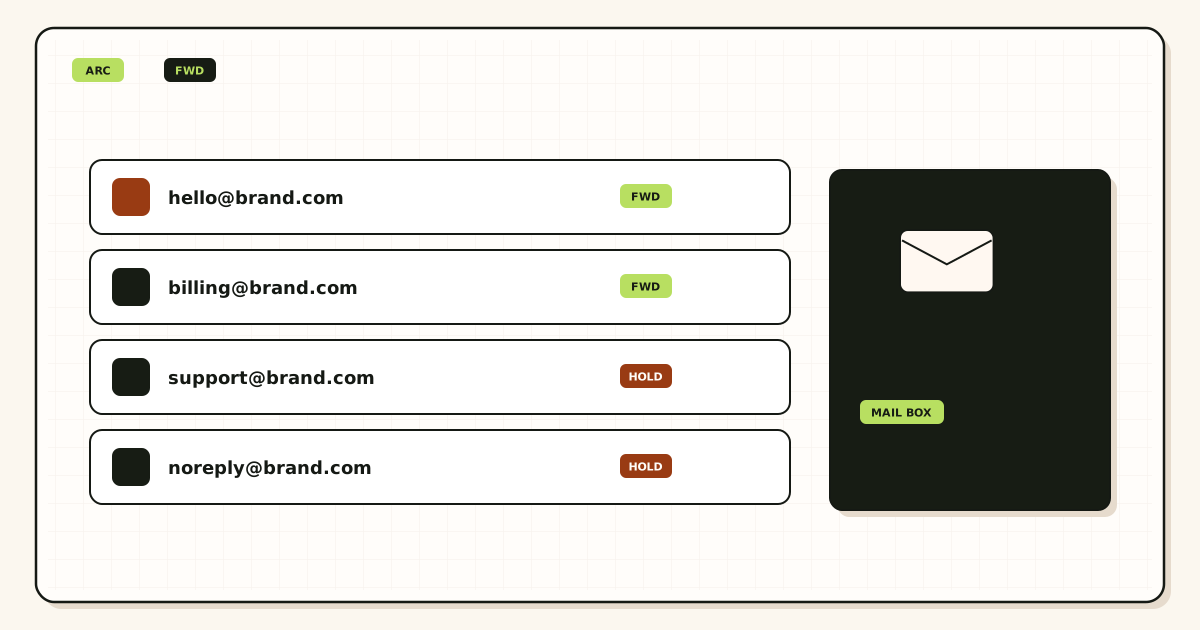
Acceptance
A sender looks up MX and offers the message. If MailerZ MX is the published answer, MailerZ checks that the domain is verified and that the recipient matches an alias, a route, or an intentional catch-all rule. Unknown addresses on Free are held. Paid plans can forward unknown recipients when you enable that. Holding unknown mail is the safer default if you care about what enters the archive.
MailerZ stores required content and metadata before it returns SMTP 250. That store exists so the hop can be retried or inspected. It is not a promise that Gmail already has a copy. If leftover Google or host MX still answers, some senders never reach this step. Split MX looks like random loss in the archive.
The recovery window
Free keeps that material for 14 days. Paid plans keep it for 90 days. During the window you can read delivery history: destination, timestamp, remote SMTP response. That is the positioning for this row: show exact SMTP outcomes and recover failures during the retention window. After the window, history may still tell you that a hop existed. Do not plan to download the body.
Opening a body for break-glass recovery is an operational act. Expect an audit row if the product records one. That is a control, not a marketing badge, and not SOC 2. MailerZ does not claim SOC 2, ISO 27001, or HIPAA.
Destination archive
After a successful forward, Gmail or Outlook is the system of record for the copy you read. Filters, tabs, and user deletion are that product’s rules. MailerZ can record “delivered” when the destination SMTP server said yes. Gmail can still hide the message in spam. Both statements can be true. Inbox placement is not an archive policy.
Authentication does not archive either. Publish SPF, DKIM, and DMARC if you send as the domain. IETF RFC 7208 — Sender Policy Framework (SPF), IETF RFC 6376 — DomainKeys Identified Mail (DKIM), and IETF RFC 7489 — Domain-based Message Authentication, Reporting, and Conformance (DMARC) authorize sending. They do not retain mail. A DMARC reject policy will not keep last year’s threads in MailerZ.
Self-send remains a bad archive test. Gmail can short-circuit a message from an account to itself and skip the MX path. You will think the archive received a forwarded copy when Gmail never left the building. Probe from another provider. Title the message uniquely so mailbox search and delivery history can be matched by hand.
Outbound mail has the same split. When paid send-as works, the far side stores what they received. Your Sent folder stores what Gmail or Outlook submitted. MailerZ history stores whether SMTP accepted the submission. None of those three is a journal of every byte for seven years unless the mailbox product you already pay for offers that feature.
Step-by-step setup and decision path
Do this in order. Buying a forwarder because you wanted a vault is how teams write policies they cannot keep.
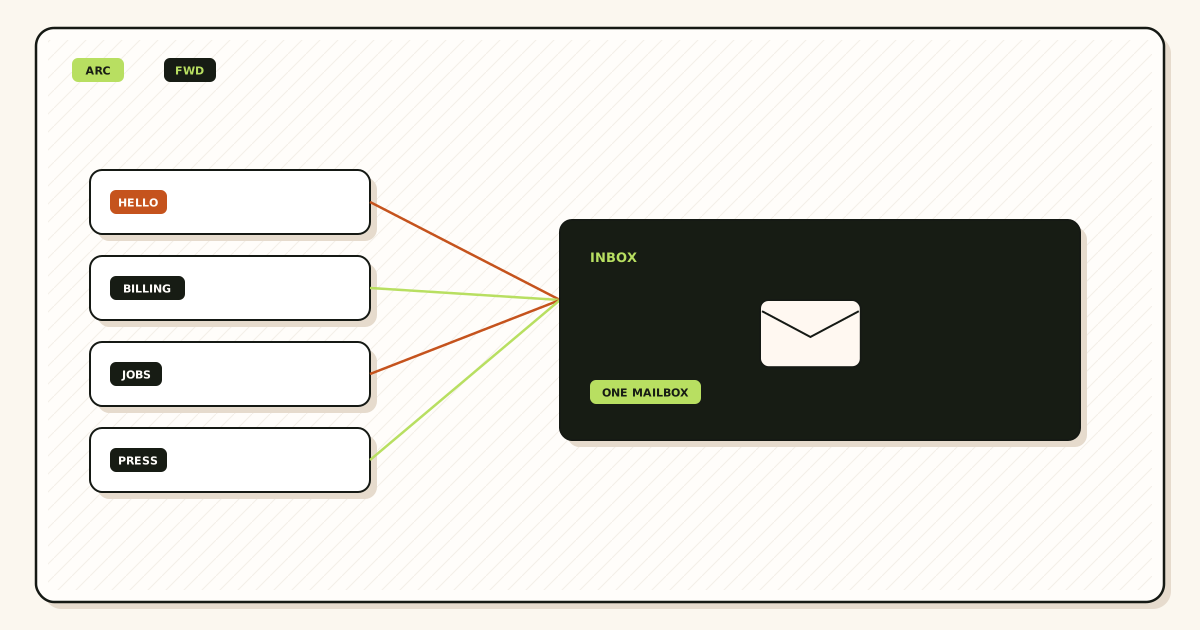
Write the archive sentence
“We search mail in ____.” If you cannot fill the blank, stop. If the blank is MailerZ, you have the wrong product. If the blank is Gmail, Outlook, or a suite, continue.
Check who owns that account
Role addresses should land in an inbox the company can keep when a person leaves. Personal destinations are a forwarding choice, not an archive strategy.
Add one domain and map aliases
Publish the verification TXT. Map the printed addresses to the store you named. Complete destination verification. Free allows ten aliases.
Publish one MX set and delete leftovers
Copy MailerZ MX. Remove Google, Microsoft, or registrar leftovers. An archive with split MX is a partial archive. Query more than one resolver.
Prove inbound from a different mailbox
Send a uniquely titled message from an unrelated provider. Open the destination search. Open MailerZ history. Self-send from Gmail to the same Gmail can skip the public path.
Decide what “recover” means
If it means “retry a failed hop this month,” paid 90-day storage may be enough. If it means “produce all mail for a case in 2022,” configure retention on the mailbox or buy a suite. Do not write MailerZ into that policy.
Add send-as only if replies must show the domain
Free has no send-as. Sending is not archiving. A paid SMTP identity still leaves the long-term copy in the destination Sent folder, not in MailerZ.
Failure modes and proof
Most “the forwarder lost our archive” reports are a closed recovery window, leftover MX, or a destination the company never owned. Work the evidence.
| What you see | Likely cause | Proof to collect |
|---|---|---|
| MailerZ has no body from last year | Outside the 14- or 90-day window. Expected. | Search the destination archive. Do not open a ticket for a vault MailerZ does not sell. |
| Some senders never appear in Gmail | Leftover MX or cached answers. | Public MX from two resolvers. History for the missing recipient. |
| History says delivered, user cannot find it | Spam, filters, or tabs at the destination. | Destination search including spam. Remote SMTP response in history. |
| Contractor left and threads vanished | Archive lived in their personal mailbox. | Change the alias destination going forward. Old copies stay where they landed. |
| Self-send never appears | Gmail short-circuited to itself. | Repeat from another provider. |
| Unknown addresses missing on Free | Held, not archived. | Hold queue and alias list. Catch-all forward is paid and optional. |
| Held or 550 on send | Unauthorized From, unhosted domain, or plan limit. | Exact SMTP response. Unrelated to archive years. |
Proof for a hop is a pair: destination copy or sanitized headers, and the MailerZ event with timestamp plus remote response. Proof for an archive is that you can find the message in the named store after a week, not that a forwarder accepted it on Tuesday. Do not send SMTP passwords to support. Do not publish verification tokens.
MailerZ workflow and product boundary
MailerZ is a custom-domain email delivery layer. The live site is mailerz.net. The app is mail.mailerz.net. Paid plans add authenticated SMTP so the same domain can send and reply. Sending still does not create a MailerZ archive of outbound bodies beyond the same recovery idea. The long-term Sent copy lives in Gmail or Outlook.
What MailerZ does for this job
- Accept inbound mail for verified domains and configured aliases.
- Preserve Header From on the forward into Gmail or Outlook.
- Hold unknown recipients on Free; allow paid catch-all forward when enabled.
- Keep a 14-day store on Free or a 90-day store on paid plans for recovery and evidence.
- Record delivery history with destination SMTP outcomes.
- Send through authenticated SMTP from approved identities on paid plans.
What MailerZ does not do
- Act as a multi-year email archive, vault, or legal hold system.
- Replace Gmail or Outlook with IMAP or webmail.
- Rewrite header From, Subject, Date, Message-ID, body, or MIME.
- Offer send-as on Free.
- Promise inbox placement, uptime SLAs, or review counts.
- Claim SOC 2, ISO 27001, or HIPAA. Controls live on Security and Trust Center.
- Act as an open relay. Unauthorized send gets 550 / 550 5.7.1.
- Send newsletters or purchased lists.
Alias ceilings remain 3 / 15 / 50 / 200 / 500 across Free, Solo, Starter, Business, and Agency. Seats are operators of the delivery layer. They are not archive licenses. If you need fifty hosted mailboxes with retention the vendor holds, that is suite math.
Features that look archival are still hop tools. Delivery history tells you whether the destination said yes. Recovery lets you inspect a failed copy while the clock runs. Leftover-MX diagnostics tell you why some senders never arrived. None of those pages extend the store past 14 or 90 days. Read them as operations, not as records management.
Cost, alternatives, and trade-offs
Archives have a cost even when the forwarder is free. Someone owns the Gmail account. Someone pays Workspace if you want Google’s admin hold. Someone pays Microsoft if you want Exchange retention. MailerZ Free is the right first purchase when you need to prove a hop and keep 14 days of evidence. It is the wrong purchase if the RFP says “seven-year email archive on the forwarding vendor.”
| Approach | You get | You give up |
|---|---|---|
| MailerZ plus Gmail or Outlook | Domain identity, hop history, 14- or 90-day recovery. | No vendor vault on MailerZ. You operate the mailbox archive. |
| Google Workspace or Microsoft 365 | Hosted store, admin, optional retention features those vendors sell. | Per-user cost. Confirm their current archive products on their sites. |
| Forwarder with no recovery store | Sometimes cheaper inbound. | No hop evidence when the destination says no. |
| Pretend the forwarder is the vault | A comforting sentence. | Nothing you can produce after the window. |
Solo adds the 90-day window, more aliases, optional catch-all forward, and 20 send-as messages per hour with 2,500 outgoing per month. Starter, Business, and Agency raise domains, seats, aliases, send ceilings, and still keep the 90-day store. Annual Starter, Business, and Agency billing includes two months free relative to paying monthly for a year. Solo has no monthly option. None of those plans become a seven-year archive because the price went up.
Google’s current archive and Vault packaging lives on their site and changes. Do not treat this article as Workspace’s price list. See Google Workspace — product overview for their product story. MailerZ versus the suite as a store is also covered on MailerZ versus Google Workspace.
Dedicated archive appliances and journal mailboxes exist in large IT shops. They are not MailerZ. Do not BCC a journal address into a MailerZ alias and call it product-native retention. If you journal, journal into a store that documents that job.
Paid send-as limits are still capacity, not retention. Solo is 20 per hour and 2,500 outgoing per month. Starter is 40 and 5,000. Business is 60 and 12,000. Agency is 60 and 20,000. Hitting a cap does not delete last year’s Gmail. Missing a hop and waiting 91 days does delete your chance to inspect that hop in MailerZ.
FAQ
What is the safest way to handle email forwarding vs archive?
Name the store you will search next year. Keep that store in Gmail, Outlook, or a hosted suite. Treat MailerZ storage as a recovery window: 14 days on Free, 90 days on paid. Prove inbound from a different mailbox and read delivery history. Do not plan legal hold on the forwarder.
Does this require a new mailbox?
No if Gmail or Outlook is already the archive. MailerZ is Mail Box portal webmail (Inbox, Sent, New email). It is not IMAP or POP. A forwarding service hops mail into that store. If you need a vendor vault with admin hold, buy hosting. That is a different product.
Will it work with Gmail or Outlook?
Yes for destinations. Those products are the archive. MailerZ forwards into them and can record the destination SMTP response. Paid send-as uses Gmail Send mail as or a manual Outlook SMTP identity. Neither client turns MailerZ into a multi-year vault.
What DNS records are involved?
A verification TXT, one MX set, leftover MX removal, and SPF, DKIM, and DMARC if you also send as the domain. DNS does not create an archive. Leftover MX splits inbound so some copies never reach the store you think you have.
What should I test before production?
Send a uniquely titled message from an unrelated provider. Confirm it arrives in the destination, Header From is unchanged, and delivery history shows the remote response. Then confirm you can find that copy in the mailbox search you will use next year. Self-send can hide routing errors.
Key takeaways
- Email forwarding vs archive is a store decision. The hop is not the vault.
- Name the mailbox you will search next year before you publish MX.
- MailerZ recovery is 14 days on Free and 90 days on paid. That is evidence, not legal hold.
- SMTP 250 on the forwarder is not proof the user can find the message.
- Leftover MX splits inbound and starves the archive you think you have.
- Do not archive into a contractor’s personal inbox.
- Header From stays original on MailerZ inbound. Envelope SRS is the rewrite that is allowed.
- Free has no send-as. Sending still archives in the destination Sent folder.
- MailerZ is not SOC 2, not IMAP, and not a seven-year vault.
Conclusion and next action
If you came here because a forwarding service is not an email archive, keep that sentence. Use MailerZ to accept the domain, hop into the inbox you already trust, and inspect failed deliveries while the window is open. Use Gmail, Outlook, or a suite to keep the years. Do not write policies that depend on a 14-day or 90-day store surviving a lawsuit calendar.
MailerZ fits when you want hop evidence and a domain identity around an archive you already operate. It does not fit when the purchase is a hosted vault, certified compliance reports, or campaign-scale sending. Start on Free if you only need to watch inbound and keep two weeks of evidence. Move to a paid plan when you need the 90-day window, catch-all forward, or send-as.
Next action: write the archive sentence. Add one domain, create one alias into that store, and send a uniquely titled message from a mailbox that is not the destination. Confirm you can find it in mailbox search and in delivery history. The register path is one domain.
Ready to prove the hop, not a vault
Start free with one domain and prove the path.
Inbound on Free with a 14-day store. Paid extends recovery to 90 days. Sign in if the domain is already there.
Review quarterly, or sooner if MailerZ store windows, destination retention, or DNS guidance changes. Author: MailerZ editorial, Secuno LLC.