Thunderbird custom domain SMTP is two servers, not one account wizard. Incoming stays IMAP or POP to the Gmail or Outlook inbox you already read. Outgoing is paid MailerZ SMTP so the named alias can leave as From. MailerZ is not an IMAP host. Free has no send-as. Copy the dashboard host, port, and encryption pair. Do not invent 465 versus 587.

Quick answer for thunderbird custom domain smtp
Create the named alias, publish one MX set, delete leftover host MX, and prove inbound from another mailbox. Then open Thunderbird and add the Gmail or Outlook account as incoming. Then add an outgoing server that matches MailerZ SMTP on Solo or higher. Solo is $40 per year. Starter is $8 or $80. Business is $19 or $190. Agency is $39 or $390. Unlimited is $99/month or $990/year. Confirm MailerZ pricing. Free cannot finish this hop.
Other forwarders publish their own SMTP fields; see ImprovMX SMTP for that class and quote them live. Thunderbird will accept whatever host you type. Wrong host is a 550 or a timeout, not a MailerZ inbox SLA.
Transport still follows IETF RFC 5321 — Simple Mail Transfer Protocol. Inbound, senders look up MX and offer the alias. MailerZ forwards into Gmail. Envelope SRS may rewrite the return path. Header From stays the author on that hop. Outbound, Thunderbird authenticates to MailerZ and offers the named From. Unauthorized or unhosted recipients get 550 / 550 5.7.1. Product language: send and reply.
Mozilla documents Thunderbird account settings on their support site. Treat those click paths as theirs; they move. This page is the MailerZ split: incoming is not MailerZ, outgoing is paid SMTP, leftover MX is a hard stop. Google’s people-first guidance is about pages, not SMTP; see creating helpful, reliable, people-first content.
Thunderbird identities are how you pick From. Create an identity for hello@ that uses the MailerZ outgoing server. Keep the Gmail identity for personal mail if you must. Role threads leave as the role. Mixing them is how customers learn the Gmail address.
The user problem and the decision criteria
People open Thunderbird because they hate browser Gmail, they need offline folders, or they run several accounts in one window. They then type the custom domain into the account wizard and hope Thunderbird invents IMAP on MailerZ. That wizard is looking for a mailbox host. MailerZ will not answer IMAP. The safe setup is boring: Gmail incoming, MailerZ outgoing, named From.
| Question | If yes | If no |
|---|---|---|
| Is Gmail or Outlook already the archive? | IMAP Thunderbird to that store. | You may want hosting, not a forwarder. |
| Must From be the domain? | Paid SMTP. Free cannot. | Incoming-only Thunderbird is enough. |
| Can leftover MX be deleted? | Inbound can reach Gmail for Thunderbird to sync. | Stop. The client cannot heal split MX. |
| Want IMAP folders on the domain itself? | Buy a host. MailerZ is the wrong object. | Keep Gmail folders. Add SMTP. |
| Multiple people sharing one Thunderbird profile? | Stop. That is a shared password with extra steps. | Each person keeps their own profile and inbox login. |
Gmail IMAP now prefers OAuth. App passwords still exist for some accounts. That is Google’s rule the day you configure it. MailerZ does not issue Gmail app passwords. Outlook IMAP has its own modern auth story. Quote Microsoft live. The SMTP secret is a different secret. Do not reuse the Gmail password as MailerZ SMTP.
POP versus IMAP is a store decision. POP can download and delete from Gmail if you mis-click. For a team alias mapped to Gmail, IMAP is the safer incoming choice so the web inbox stays the archive. MailerZ recovery is 14 days on Free and 90 days on paid. It is not Thunderbird’s local folders.
Catch-all leftovers cannot send from Thunderbird any more than from Gmail. If you must reply as an old nickname, create that named alias first. Enabling leftover FORWARD does not mint an SMTP identity.
Technical mail flow
A sender looks up MX, offers the alias, and transfers content. MailerZ accepts a verified domain and matching alias, stores required content, and forwards to Gmail or Outlook. Envelope SRS may rewrite the return path. Header From stays the author. Thunderbird then fetches that copy over IMAP from Gmail. If you pointed incoming at MailerZ, the fetch fails. There is no mailbox there.
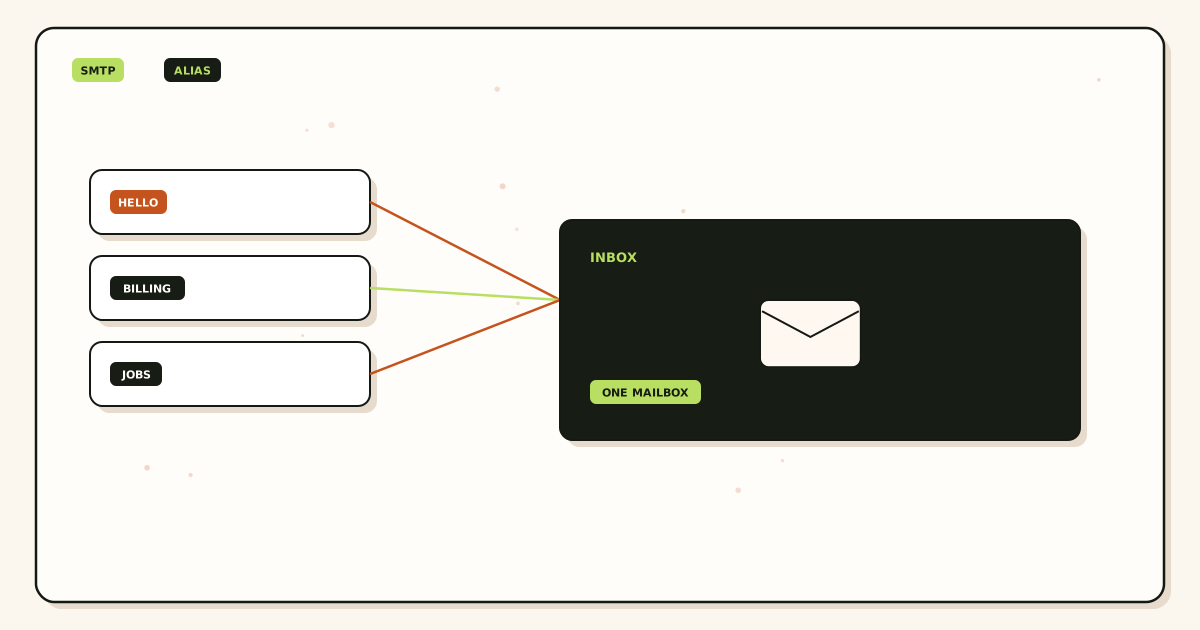
Outbound: Thunderbird connects to the SMTP host in the dashboard, negotiates TLS, authenticates, offers the named From, and submits. Solo allows 2,500 outgoing per month and 20 send-as per hour. Starter is 5,000 and 40. Business is 12,000 and 60. Agency is 20,000 and 60. A 550 on cap is not a Thunderbird bug.
SPF, DKIM, and DMARC evaluate the outbound hop. IETF RFC 7208 — Sender Policy Framework (SPF), IETF RFC 6376 — DomainKeys Identified Mail (DKIM), and IETF RFC 7489 — Domain-based Message Authentication, Reporting, and Conformance (DMARC) are the documents. Publish dashboard values. They do not move mail into Primary. They do not turn Free into send-as.
STARTTLS upgrades. Implicit TLS starts encrypted. Copy the pair MailerZ shows. Thunderbird’s “SSL/TLS” versus “STARTTLS” labels must match that pair. Mixing them fails before DATA.
Self-send from Thunderbird to the same Gmail account can short-circuit. Budget an external mailbox for inbound and another for outbound. Local Sent is not proof of Header From.
Leftover MX is a hard stop. Old Google, Microsoft, or registrar records beside MailerZ MX split inbound. Thunderbird will sync whatever reached Gmail and miss the rest. Read public MX from two resolvers before you debug IMAP passwords.
Campaign mail is out of scope. Do not point a mail-merge add-on at MailerZ SMTP and spray. Caps are stop signs. MailerZ is not an open relay.
Operator seats are dashboard logins. They do not create Thunderbird profiles. Each human keeps their own Gmail login for IMAP and, if they send, access to SMTP you can revoke. Feature surface: MailerZ features.
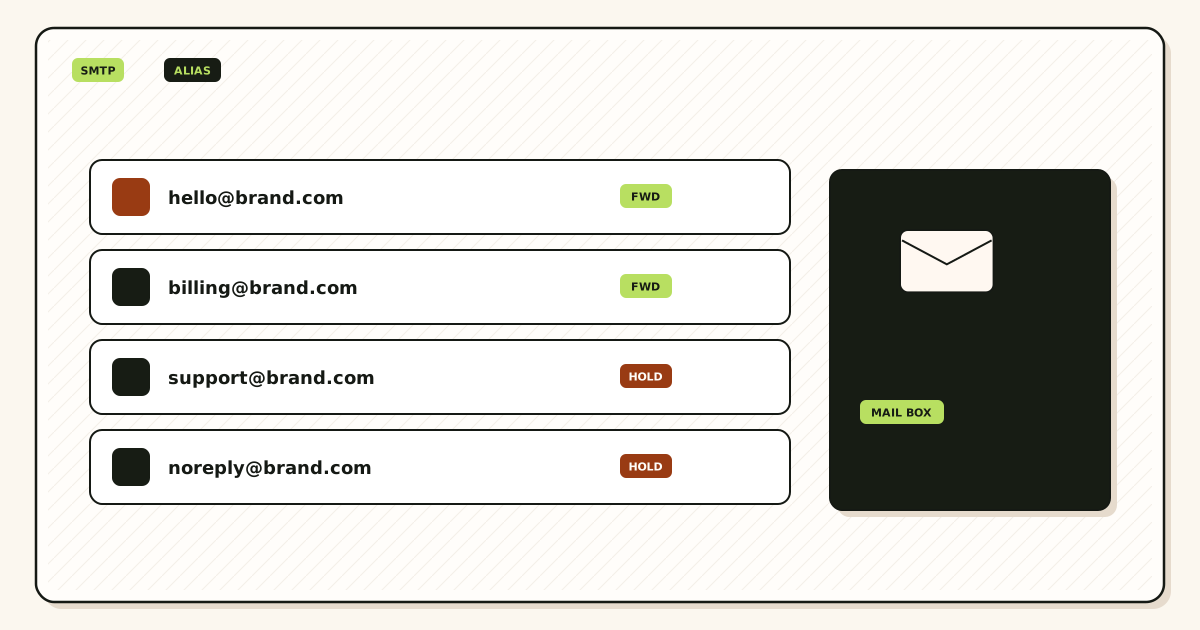
Unknown local-parts on Free are held. Paid FORWARD is optional. Thunderbird will not see held mail unless you open recovery in the app. HOLD is not an IMAP folder.
Unified Inbox in Thunderbird merges folders from several accounts. That view can hide which identity will send. Before you reply to a role thread, look at the From picker, not the unified list. Unified is a reading convenience. It is not a routing rule.
Saved drafts in Thunderbird sit on IMAP Drafts if you configured it that way, or only on disk if you did not. A draft that shows hello@ locally can still send as Gmail if the outgoing server on that identity is wrong. Open Account Settings and read the outgoing server name. Then send a probe. Do not assume the draft header is the wire header.
Message templates and signatures should carry the role name, not a personal Gmail footer, when the identity is the alias. A billing@ signature that lists a Gmail address teaches the leak you paid SMTP to avoid. Keep personal signatures on the Gmail identity.
CardDAV and local address books will auto-complete old Gmail addresses. Thunderbird may pick the Gmail recipient on To: while you carefully set From to the alias. That is fine for To. It is a problem if auto-complete also rewrites From. Check both fields on every role send until muscle memory exists.
Offline send queues fire when the laptop returns to the network. A burst of queued mail can trip Solo’s 20 send-as per hour. If you wrote twelve invoices on a plane, wait or upgrade before Thunderbird flushes. The 550 will look like a random Thunderbird error. It is a cap.
Compact folders and repair folder are Thunderbird maintenance. They do not fix leftover MX, unauthorized From, or Free-plan send-as. If incoming is empty, check MailerZ history first. If history is empty, the message never reached the forwarder.
Two Thunderbird installations—laptop and desktop—each need the same incoming and outgoing split. Do not set SMTP on the laptop and forget the desktop. The desktop will silently send as Gmail. Repeat the outward probe on every machine that sends as the alias.
Offline Thunderbird folders are a local cache of Gmail. They are not MailerZ recovery and not legal hold. If you compact or move accounts, Gmail remains the system of record you search next year—if you used IMAP correctly.
Step-by-step setup and decision path
Prove the alias without Thunderbird
Verify TXT. Map Gmail or Outlook. One MX set. Delete leftovers. External inbound probe. Header From intact. History present. If this fails, Thunderbird cannot save you.
Add incoming as Gmail or Outlook
IMAP preferred. Use Google or Microsoft’s current auth method. Confirm Thunderbird can see the probe message. Incoming host is not MailerZ.
Upgrade and copy SMTP
Solo or higher. Confirm pricing. Copy host, port, encryption, username, and password from the dashboard. Do not paste Free.
Create a Thunderbird identity for the alias
Email address is the named alias. Outgoing server is MailerZ. Display name is what customers see. Do not leave the Gmail address as the default From for role mail.
Publish SPF, DKIM, and DMARC as shown
Dashboard values only. Then send a new message and a reply to a mailbox you do not own. Confirm Header From. Check counters.
Write the offboard step
When someone leaves, unmap their destination and rotate SMTP. Delete the Thunderbird password from their profile. Docs: MailerZ docs.
Failure modes and proof
| What you see | Likely cause | Proof |
|---|---|---|
| Incoming server times out | You pointed IMAP at MailerZ. | Change incoming to Gmail or Outlook. |
| SMTP 550 | Free plan, unauthorized From, or cap. | Plan flag, identity, counters, SMTP text. |
| TLS handshake fails | 465 versus 587 pair mismatch. | Copy the dashboard pair exactly. |
| Reply leaves as Gmail | Wrong identity selected. | Far-side headers. Default From in Thunderbird. |
| Probe never reaches Gmail | Leftover MX or alias missing. | Public MX. Delivery history. Not a Thunderbird bug. |
| Self-send never appears | Client short-circuit. | Repeat from another provider. |
| Gmail IMAP auth fails | OAuth or app password not set. | Google account settings. Not MailerZ SMTP. |
| Local Sent shows domain, far side shows Gmail | Thunderbird displayed the identity; SMTP used another server. | Confirm outgoing server on that identity. |
Proof is a header block plus a MailerZ event. Do not send SMTP passwords. Do not publish verification tokens. A thunderbird custom domain smtp argument that only shows local Sent is still a guess.
Multiple Thunderbird profiles on one laptop still need one SMTP secret stored safely. A shared family computer is a shared password problem. Each person should use their own OS user or at least their own profile with a master password.
Filters in Thunderbird do not replace destination maps. If two founders must see hello@, map two Gmail destinations. Do not forward inside Thunderbird from one person to the other as the only copy. That dies when their laptop is closed.
Junk controls in Thunderbird are a second filter on top of Gmail. A message Gmail accepted can still vanish into Thunderbird junk. Check both before you blame MX.
MailerZ workflow and product boundary
MailerZ is a custom-domain delivery layer operated by Secuno LLC. Point MX at MailerZ. Aliases land in Gmail or Outlook. Paid plans add SMTP for Thunderbird outgoing. Site: mailerz.net. App: mail.mailerz.net.
- Free $0: 1 domain, 10 aliases, 14-day store, send-as disabled, SMTP and API disabled.
- Solo $40/yr: 5 domains, 25 aliases, 90-day, 2,500 outgoing, 20 send-as/hr.
- Starter $8/$80: 8 / 50 / 5 seats, 5,000 outgoing, 40/hr.
- Business $19/$190: 25 / 200 / 25, 12,000 outgoing, 60/hr.
- Agency $39/$390: 100 / 500 / 50, 20,000 outgoing, 60/hr.
MailerZ is not IMAP, not a suite, not an open relay, not an inbox SLA, not SOC 2 / ISO 27001 / HIPAA. Controls: Security and Trust Center. Unauthorized send returns 550 / 550 5.7.1. Annual Starter, Business, and Agency include two months free versus monthly. Solo has no monthly option. Dashboard seats are operators, not Thunderbird logins.
Cost, alternatives, and trade-offs
Thunderbird is free. The bill is the store plus SMTP. If you already pay nothing extra for Gmail and only receive, MailerZ Free is enough and Thunderbird only needs IMAP. If From must travel, Solo at $40 per year is the smallest SMTP card. Do not buy a hosted mailbox just to satisfy Thunderbird’s wizard.
| Approach | You get | You give up |
|---|---|---|
| IMAP Gmail + MailerZ SMTP | Offline client. Named domain From. Same archive as the web. | Two secrets. Two servers to debug. |
| Thunderbird IMAP to a host | Folders on the domain. Quote the host live. | Gmail as the only store. |
| Browser Gmail Send mail as | No desktop client. Same paid SMTP. | Thunderbird offline folders. |
| Thunderbird through Gmail SMTP only | Simpler outgoing. | From stays Gmail unless Send mail as is also set. |
Time is a line item. Leftover MX costs more than Solo. A wizard that points IMAP at MailerZ costs an afternoon. Budget one outbound probe to a mailbox you do not own.
Registrar cost sits next to SMTP. Quote your registrar. That line does not change when you add Thunderbird.
Monthly versus yearly is cash flow. Starter, Business, and Agency yearly cards include two months free versus twelve monthly payments. Solo is $40 per year only.
If every teammate needs a hosted mailbox, a suite plus Thunderbird IMAP to that suite is the honest product. A forwarder will look incomplete because it is incomplete for stored humans.
Open a held body for break-glass recovery and expect an audit row. That is a control, not a SOC 2 badge. Do not send SMTP passwords to support. The artifacts that close a thunderbird custom domain smtp argument are exclusive public MX, inbound history, IMAP showing the probe, dashboard SMTP pair, and far-side Header From.
Phone Thunderbird forks and third-party Android clients are other products. This page does not certify them. The same split applies: incoming to Gmail, outgoing to paid MailerZ, named From. If a mobile client cannot separate servers, use the official Gmail or Outlook app with Send mail as instead.
Quote vendors the day you buy. Thunderbird labels change. Gmail IMAP auth changes. MailerZ limits can change. The tests do not: named alias, exclusive MX, IMAP to the store, paid SMTP pair, outbound probe.
Shared Thunderbird on a reception desk is a shared password. Prefer mapping the role alias to the receptionist’s own Gmail and letting them use the web, or give them a profile you can wipe. Do not tape the SMTP password to the monitor.
Calendar and address books in Thunderbird talk to CalDAV or the local store. They do not become MailerZ features. If Calendar is the system of record, you may be back to a suite. Do not force SMTP to become Workspace Calendar.
Open-source mailing lists and Bugzilla-style tools sometimes want a dedicated From. Create that named alias. Do not point Thunderbird’s list-reply at a leftover string. If the list stored a typo, create the typo or update the list. HOLD will show the bounce copies if you watch it.
Encryption add-ons (OpenPGP) sign the body you send. They do not replace SPF or DKIM on the hop. You can sign as the alias and still fail DMARC if SMTP From is unauthorized. Set up authenticated SMTP first. Then add signing if you need it. MailerZ does not provide keys.
If you remember one Thunderbird picture, remember two hostnames: imap.gmail.com (or Outlook’s IMAP host) and the SMTP host on the MailerZ dashboard. When those two are different on purpose, thunderbird custom domain smtp is set up. When they are the same MailerZ hostname, you pointed incoming at a product that is not a store.
News accounts and RSS in Thunderbird are unrelated. They do not need MailerZ. Keep them on a separate identity so a feed error never retries through SMTP. One window can hold many account types. Only the mail identity that prints the domain should use MailerZ outgoing.
Backup of a Thunderbird profile copies local caches and saved passwords. Treat that zip as a secret. If you migrate a laptop, remap SMTP after you restore, then rotate the old password. A restored profile on a discarded disk is a leaked credential.
Accessibility and keyboard users should pin the From field in the compose window. Thunderbird can hide it until you expand headers. Hidden From is how role mail leaves as Gmail after a long day. Show the header. Then send the outward probe.
Time zones and sent dates come from the client clock. They are not MailerZ rewrite fields. Header Date stays as Thunderbird wrote it. MailerZ does not rewrite Date, Subject, Message-ID, body, or MIME on inbound. Outbound Date is whatever Thunderbird stamped. Fix the OS clock if customers see tomorrow’s invoices.
Two-factor on the Gmail IMAP account is mandatory even though SMTP is a different secret. A stolen laptop with an unlocked Thunderbird profile can read the store and send as the domain until you rotate both. Remote-wipe the OS user. Unmap destinations. Rotate SMTP. That is offboard for a desktop client.
Agencies running Thunderbird for client work should use one profile per client or at least one identity per domain with its own SMTP secret. A single outgoing server for twelve clients is how you send the wrong From and share one password across engagements. Agency’s 100 domains are capacity. They are not a reason to paste one password into twelve identities.
When both hops work, print the alias. Until then, Thunderbird is only a reader. That sentence is the whole guide: read first, send second, leftover MX never.
FAQ
What is the safest way to handle thunderbird custom domain smtp?
Point Thunderbird incoming at Gmail or Outlook IMAP. Point outgoing at paid MailerZ SMTP after inbound is proven. Copy the dashboard host, port, and encryption pair. Use a named alias as From. Free has no send-as. Do not set MailerZ as the IMAP server.
Does this require a new mailbox?
No. Thunderbird is a client. The store stays Gmail or Outlook. MailerZ is not IMAP. Buy hosting only if you want folders on the domain instead of Gmail.
Will it work with Gmail or Outlook?
Yes. Incoming uses that provider’s IMAP or POP. Outgoing uses MailerZ SMTP on a paid plan. Gmail may require an app password or OAuth for IMAP. That is a Google setting, not a MailerZ feature. Self-send can hide both hops.
What DNS records are involved?
A verification TXT, one MailerZ MX set, leftover MX removed, and SPF, DKIM, and DMARC if you send. Thunderbird settings are not DNS. Dual MX still splits inbound before the client matters.
What should I test before production?
Inbound probe from another mailbox into Gmail, then Thunderbird sync. Then send as the alias to a third mailbox. Confirm Header From. Check Thunderbird’s SMTP error text and MailerZ counters. Do not trust Sent as the only proof.
Key takeaways
- Thunderbird custom domain SMTP is IMAP to Gmail plus paid MailerZ outgoing.
- MailerZ is not an IMAP host. Free has no send-as. Solo $40/yr starts it.
- Copy the dashboard host, port, and encryption pair. Do not mix 465 and 587.
- Create an identity for the named alias. Catch-all leftovers cannot send.
- Leftover MX is a hard stop before the client matters.
- Envelope SRS on inbound. Header From untouched on that hop. Not an inbox SLA.
- Not an open relay. 550 if unauthorized. Self-send lies.
- Rotate SMTP when people leave. Seats are not Thunderbird logins.
Conclusion and next action
Thunderbird works with a custom-domain alias when you respect the split. Read from the inbox you already trust. Send through paid authenticated SMTP as a named From. Prove inbound before you touch the client. Delete leftover MX. MailerZ fits that sequence. It will not become IMAP because the account wizard asked for a store.
Ready to split incoming and outgoing
Start free with one domain, then add SMTP.
Inbound on Free. Solo when Thunderbird must leave as the alias. Sign in if the domain is already there.
Review quarterly, or sooner if Thunderbird auth dialogs or MailerZ SMTP pairs change. Author: MailerZ editorial, Secuno LLC.