Recovering a failed forwarded email means reading the stored hop, classifying empty versus accept-fail versus destination 5xx, and replaying inside the retention window. It does not mean publishing leftover MX. It does not mean forging the original sender from your inbox. History has the SMTP reason. Free stores 14 days. Paid stores 90. After that the artifact is gone.
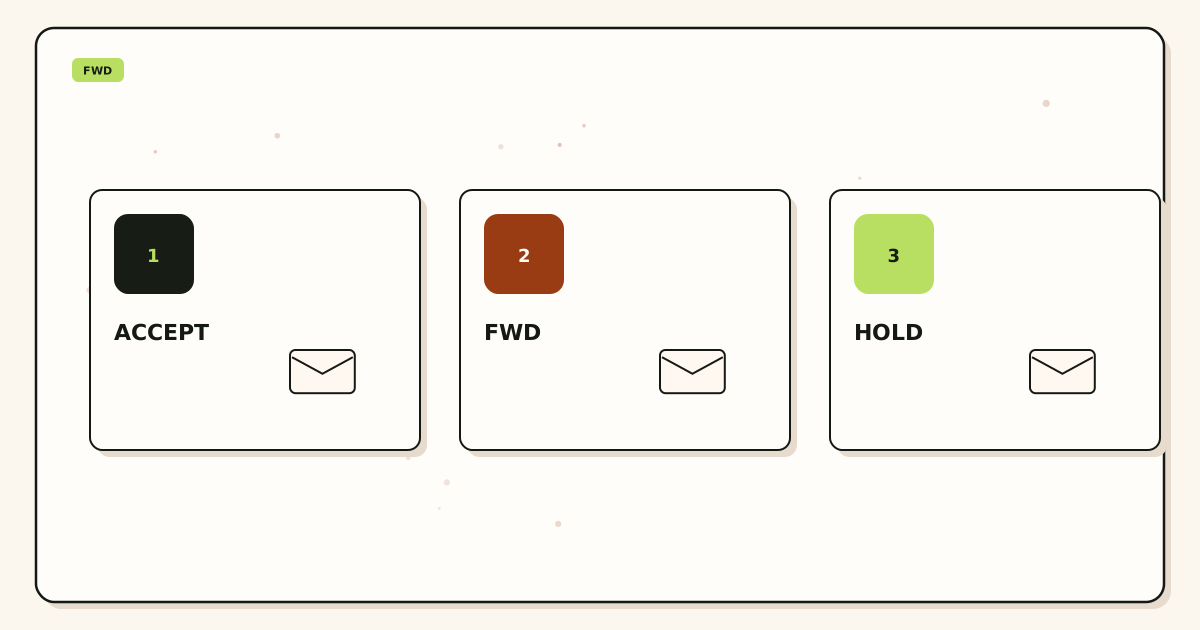
Quick answer for recover failed forwarded email
Open delivery recovery. Read the code. Fix destination or map. Replay if stored. Product also: troubleshooting, docs, features. IETF RFC 5321 — Simple Mail Transfer Protocol. Patterns: ImprovMX blog (nofollow)—do not copy their store claims onto ours.
Confirm pricing. Free 14-day store. Paid 90-day. HOLD on Free unknowns. No inbox SLA. Not SOC 2.
People-first recovery pages quote the SMTP line.
The user problem and the decision criteria
A customer says “it never arrived.” Operators add Google MX “so something accepts.” That splits future mail and does not replay the old message. The useful move is history first. The useless move is DNS theater.
| Question | If yes | If no |
|---|---|---|
| History empty? | Leftover MX or never accepted. | Read the SMTP line. |
| Destination 4xx/5xx? | Fix the store. Then replay. | Look at HOLD or filters. |
| Inside store window? | You may still have the body. | Ask the sender to resend. |
| Want to add leftover MX? | Stop. That is a new incident. | Good. |
Technical mail flow
MailerZ accepted from the sender (or did not). If it accepted, it tried the destination. Envelope SRS. Header From intact. A destination 452 or 550 is their SMTP, not our MX. IETF RFC 5321 — Simple Mail Transfer Protocol enhanced status codes belong in the ticket.
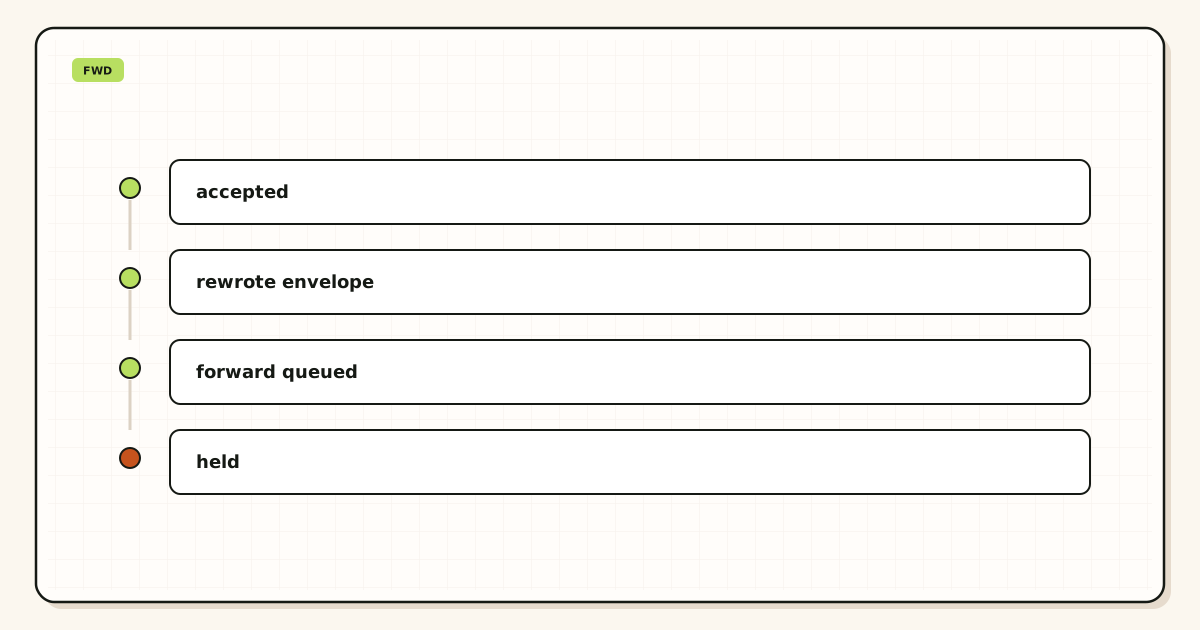
HOLD is unknown local-part, not a destination failure. Do not replay HOLD as if Gmail 5xx’d. Map or reject the noun.
Step-by-step setup and decision path
Collect Message-ID, time, and printed recipient
Guessing “this morning” wastes the window.
Open history
Empty, 4xx, 5xx, or 250 with empty inbox.
Classify
Leftover MX / HOLD / destination / filter. One class.
Fix the class
Delete leftovers, map the alias, free Gmail quota, or unfilter.
Replay if stored
Once. Then search the destination. See the retry article for duplicates.
Write the SMTP line on the ticket
Close with evidence, not a vibe.
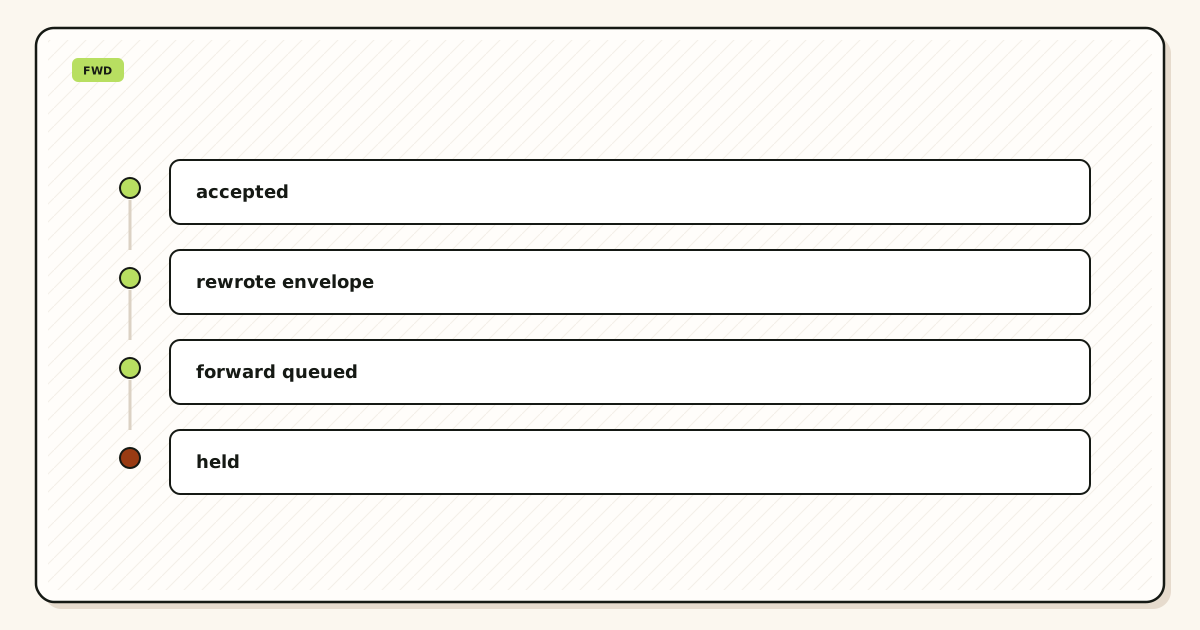
Failure modes and proof
| What you see | Likely cause | Proof |
|---|---|---|
| No history | Never reached us | MX listing |
| 5xx mailbox full | Destination quota | SMTP line |
| Replay duplicates | Also resent from Gmail | Two Message-IDs |
| Window expired | 14 or 90 days | Ask sender |
| Worse after “fix” | Added leftover MX | Resolver now mixed |
Proof is the history row, the class, and the replay result. “We added backup MX” is a confession.
MailerZ workflow and product boundary
We store failed hops for the plan window. We are not an archive. We are not IMAP. Envelope SRS. Header From never rewritten. Unhosted send 550 5.7.1. Free 1/3/14-day/HOLD/no send-as. Solo $40/yr. Starter $8/$80. Business $19/$190. Agency $39/$390. Confirm /pricing. No SOC 2. No inbox SLA.
Cost, alternatives, and trade-offs
| Choice | What you get | What you give up |
|---|---|---|
| Paid 90-day store | Time to notice | The myth of forever |
| Workspace archive | A suite. Quote live | This hop as the store |
| Ask the sender | A new message | The original hop artifact |
Time is a line item. History on day one costs less than leftover MX on day two.
Hop classes
Empty hop: public MX was not us, or the sender never tried. Fix leftover MX or theater NS. Accept-fail: we 250’d the incoming session then failed onward—rare; read the exact line. Destination 4xx: temporary; backoff, then replay. Destination 5xx: permanent until the store changes. HOLD: unknown recipient policy.
250 plus empty inbox: destination filter, wrong Gmail, or the user searched the wrong account. Not a reason to dual MX.
Store windows
Free 14 days. Paid 90. The clock starts when we store the failure or HOLD, not when the customer emails you. Review HOLD on a cadence or the window is decoration.
We do not promise the body after expiry. Do not invent legal hold. GDPR and retention are the privacy article. This page is operational recovery.
What recovery is not
Not leftover MX. Not forging Header From. Not a loop of retries after 250. Not opening port 25. Two-factor on destinations. Night operators who “just resend the campaign” create duplicates. Next article covers safe retry.
If a second operator needs the order, send this page plus leftover MX troubleshooting. Classify. Fix. Replay once. Write the SMTP line.
The artifacts that close recover failed forwarded email are a class, a store decision, and evidence. Everything else is DNS folklore.
What belongs on the ticket
A recovery ticket that says “email missing” is a rumor. Write the printed recipient, the approximate UTC time, the Message-ID if the sender has it, the destination Gmail that should have received it, and whether the customer already searched All Mail and Spam. Add the zone. Add who owns DNS. Without those, you will “recover” the wrong hop or invent leftover MX as a hobby.
History is the first attachment. Copy the SMTP line, not a vibe. 452 mailbox full is a destination quota story. 550 user unknown is a map story. Empty history is an MX or “never sent” story. 250 with an empty inbox is a filter or wrong-account story. Those four sentences keep two operators from arguing past each other.
Do not paste the full body into Slack or Zendesk. That creates a third store of personal data. Use the recovery UI and an ID. The GDPR article covers why. This page is the operational reason: tickets leak, get forwarded, and outlive the store window.
Filename screenshots with the zone and the date. A screenshot named “error.png” will be pasted onto the next client’s ticket. Recovery is per hop, per zone, per message.
Empty history is a different job
If MailerZ never accepted the message, we cannot replay it. The store window does not contain a ghost. Your job is to find where the sender’s MX lookup went. Two public resolvers. If they still list Google, Microsoft, Namecheap Private Email, parking, or the old host beside MailerZ, you have leftover MX. Delete extras. Do not add more leftovers “so something accepts.” That splits the next sender too.
Theater NS is the sibling. You cleaned Namecheap Advanced DNS while Cloudflare serves the name. The world never saw your exclusive set. Query NS first. IETF RFC 1035 — Domain names is the name system. Your registrar UI is not always the apex the sender used.
Self-send from the destination Gmail can show a success that public senders will not repeat. Gmail may short-circuit. A foreign probe is the inbound gate. If the customer “emailed themselves” and you have no history, believe the empty history more than their screenshot of Sent.
The sender may also have typed a different zone—a typo domain, a www leftover, a sibling they own. Recovery on example.com does not fetch mail for exmaple.com. Confirm the envelope recipient the sender actually used. Then decide whether to create that alias, fix the site, or tell them the printed string.
IPv6 or firewall drops between the sender and our MX can also yield empty history. That is a reachability ticket after exclusive names exist. It is still not a reason to publish dual MX.
Destination 4xx and 5xx in practice
Destination 4xx means try later. Quota, greylist, or a temporary policy. Fix what you can—free space in Gmail, wait out greylist—then replay once from the store. Do not loop. The retry article covers event keys for outbound. For inbound recovery, one replay after the store is healthy is enough.
Destination 5xx means the store refused in a way that will repeat until something changes. Mailbox does not exist, policy reject, or a hard quota. Change the destination map, fix the account, or accept that this sender must resend after the human mailbox exists. Replaying into the same 5xx spends the window and teaches nothing.
Gmail filters that drop to Trash or a label the user never opens look like failure and often are a 250. History said we delivered to the destination. The destination accepted. Search All Mail. Disable the filter. Do not dual MX. Do not tell the sender their mail “never hit the internet.”
Outlook and other hosts have their own junk and focused inboxes. Ask the user to search the Message-ID or the unique subject you used on the probe. Unique subjects exist so you do not match last week’s “test.”
Two destinations on one alias can 250 one store and 5xx the other. Read both lines. Recovery is not “it arrived for the founder so the intern is lying.”
Replay once and prove it
After you fix the class, replay one time if the body is still stored. Then search the destination. Then write the result on the ticket: replayed, arrived, or replayed and still 5xx. A second replay without new evidence is how you create duplicates the customer will forward back as “still broken.”
If two operators can press replay, the first one must mark the hop. Treat replay like a deploy button. Disable it in the conversation after success.
Do not reconstruct the message from memory and send it as yourself. Header From would be you. The original sender would not match. That is a new message, not a recovery. Customers who needed the original attachment are not helped by your paraphrase.
Do not ask the original sender to resend until the window is expired or history is empty. Resend during an open window plus a replay is a duplicate by design.
Living inside the store window
Free stores fourteen days. Paid stores ninety. Confirm pricing. The clock is not “fourteen days from the complaint.” It is from when we stored the failure or HOLD. A customer who writes on day thirteen about a message from day one has one day left, not fourteen.
HOLD review is how you find messages that never had a named alias. That is not destination failure, but it uses the same window. If you staff HOLD only after a lawsuit vibe, you will miss the window. Calendar it.
We are not an archive. We do not sell legal hold. We do not claim SOC 2. We do not claim HIPAA. If you need a suite archive, quote Google or Microsoft live and keep MX exclusive to that suite. Dual MX is not a compliance pattern.
After expiry, the honest sentence is: we no longer have the artifact; ask the sender to send again; here is the exclusive MX proof so the next one should land. Anything else is a promise we do not make.
What to tell the sender and the customer
To the destination user: which class you found, what you fixed, whether a replay happened, and what to search. Do not say “the internet lost it” when leftover MX is still published. Do not say “Gmail is broken” when history is empty because NS were theater.
To the original sender, only if you must: please resend after we confirm exclusive MX, or after the mailbox has space. Give them the printed string. Do not give them a second MX “backup” to try. That is leftover MX with extra steps.
Night operators who add Google MX “until recovery finishes” create a new incident that outlives the original message. Write exclusive on the ticket. Two-factor on destinations. Re-query MX after registrar website saves. IPv6 after exclusive names exist is a host ticket.
If a second operator needs the order, send this page plus leftover MX troubleshooting and the retry article. Classify. Fix. Replay once. Write the SMTP line. Do not forge From. Do not dual MX.
The artifacts that close recover failed forwarded email are a class, a store decision, a single replay, and destination proof. Everything else is folklore that spends the window.
Probes that make the next recovery faster
After any inbound cut, send one uniquely titled message per printed alias from a third mailbox. Save the Message-ID and the history row. When a customer later says “it never arrived,” you already know the path worked at launch and you can compare. A launch without probes makes every complaint a ghost hunt.
Do not use self-send as that baseline. Gmail can short-circuit. The launch-day checklist article is the pack. This page is what you do when a later hop fails: compare to the baseline, then classify.
If the baseline never existed, create it now if MX is exclusive. If MX is mixed, fix MX first. A probe during leftover MX only proves the family that sender picked.
Filters, aliases, and the wrong Gmail
Destination users often have a filter that deletes hello@ or files it to a label they never open. History 250, empty inbox they searched. Ask them to search the unique subject and the Message-ID. Check the mapped destination is the Gmail they are looking at—not a founder alias they retired.
Plus-address filters in Gmail do not apply to a MailerZ alias unless the destination is that Gmail and the plus is on that Gmail address. Do not tell users to add +tag on the public domain string as a recovery step. Create a named alias if the string is real.
Two founders on one hello@ : one inbox can be full (4xx/5xx) while the other is fine. Read both destination lines. Replay after the full mailbox has space. Do not add leftover MX so “at least one provider accepts.”
Closeout language that does not create a new incident
Good close: class, SMTP line, fix, replay once, destination search result, exclusive MX still true on two resolvers. Bad close: added backup MX, asked sender to resend while also replaying, pasted the body into Slack, promised the archive forever.
Free fourteen-day store. Paid ninety. Confirm /pricing. Not an archive. Not IMAP. Not SOC 2. Not an inbox SLA. Envelope SRS. Header From intact. Unhosted send is 550 5.7.1 and is not this ticket.
Two-factor on destinations. HOLD review on a cadence. Morning re-query after registrar tiles. IPv6 after exclusive names exist is a host ticket. Night operators who dual MX “until we find the message” spend the next week on split senders.
If a second operator needs the order, send this page plus leftover MX and retry. Classify. Fix. Replay once. Write the line. Do not forge From.
The artifacts that close recover failed forwarded email are a class and a single replay inside the window. MailerZ can store what it accepted. It cannot invent a message that went to leftover Private Email.
A realistic recovery timeline
Hour zero: customer says a vendor invoice is missing. You take the printed recipient, the time window, and the destination Gmail. You forbid anyone from adding Google MX. Hour one: history. Empty means leftover MX or never sent. You query two resolvers. You delete Private Email leftovers. You do not replay because there is nothing to replay. You ask the vendor to resend after exclusive listings. Hour two: history shows destination 452. You free Gmail space. You replay once. The invoice appears. You write the SMTP line on the ticket and you are done.
Day ten on Free: the window is almost gone. You do not start a new architecture project. You classify and replay or you ask the sender. Day fifteen on Free: the artifact is gone. Honest sentence only. Paid ninety days is more time, not a museum. Confirm pricing if the business needs the longer window before the next incident, not during it.
Parallel mistake: someone already resent from their personal Gmail while you replayed. The customer has two copies and thinks the system is haunted. Own the duplicate. Do not replay a third time. Write both Message-IDs on the ticket so the next operator does not “fix” the duplicate by sending a fourth copy.
If the vendor cannot resend because their system will not, say so early. Recovery cannot mint a new invoice from the vendor. We can only replay what we stored. After expiry, the honest path is the vendor or a PDF they already mailed to another address. Do not invent a MailerZ archive search that does not exist.
Keep exclusive MX true through the whole timeline. A well-meaning backup row in hour three undoes hour one. Query before you close. Filename the listing with the zone and the hour.
Agencies: one zone per ticket. Client A history does not explain Client B. Filename every screenshot with the zone. Offboard does not keep recovery access to a departed domain. Night operators who dual MX to feel useful create tomorrow’s empty-history ticket.
FAQ
What is the safest way to handle recover failed forwarded email?
Read history for the hop class: empty hop, accept-then-fail, or destination 5xx. Fix the destination or the map. Retry inside the store window if the product stored the message. Do not add leftover MX to ‘recover.’ Do not resend from your Gmail as the original sender. Free stores 14 days. Paid stores 90. Confirm /pricing.
Does this require a new mailbox?
No. Recovery replays or holds a hop into the existing destination. A new mailbox does not fix a 5xx from the old one. MailerZ is not IMAP.
Will it work with Gmail or Outlook?
If the destination 4xx/5xxs, Gmail or Outlook is the failing store. Fix quota, filters, or the address. Self-send is still a bad proof. Exclusive MX must already be true or you are recovering the wrong path.
What DNS records are involved?
None for a destination 5xx. If history is empty, check leftover MX and theater NS. See RFC 5321. Adding Google MX beside MailerZ is not recovery.
What should I test before production?
Know the store window. Probe so history exists. Practice HOLD review. Do not wait for day 15 on Free to learn the window.
Key takeaways
- History first. Classify empty hop, destination 4xx, destination 5xx, HOLD, and 250 with an empty inbox as different jobs.
- Do not add leftover MX to recover. Dual MX creates the next empty-history ticket.
- Replay once inside the fourteen-day Free store or the ninety-day paid store. Confirm pricing. The clock starts when we stored the hop.
- HOLD is unknown local-part policy, not a destination 5xx. Map or reject the noun.
- 250 plus empty inbox is a filter, the wrong Gmail, or a label nobody opens. Search All Mail before you blame the hop.
- Ask the sender to resend only after expiry or when history is empty. Do not replay and resend in the same window.
- We are not an archive, not IMAP, not SOC 2, and not an inbox SLA. Do not forge Header From.
- Filename screenshots with the zone. Two-factor on destinations. Staff HOLD. Query exclusive MX before you close.
Conclusion and next action
If a forward failed, read the hop. MailerZ can store what it accepted. It cannot invent a message that never arrived or excuse leftover MX. Start free and learn the 14-day window on one domain. Paid ninety days is more time to notice, not an archive and not a legal hold. Confirm pricing before the next incident, not during it.
Classify empty history, destination 4xx, destination 5xx, HOLD, and 250-with-empty-inbox as different jobs. Replay once after you fix the class. Do not add leftover MX. Do not forge Header From. Do not loop. Write the SMTP line. Query exclusive listings before you close. Filename screenshots with the zone.
Teach the destination user what to search. Teach the sender to resend only after expiry or empty history. Teach night operators that backup MX is a new incident. Two-factor on destinations. Staff HOLD. That is how a small team recovers mail without creating a second outage.
Ready to read one hop
Start free with one domain and a store window you will actually use.
Classify. Fix. Replay once. Sign in if the domain is already there.
Review when store windows or destination providers change. Author: MailerZ editorial, Secuno LLC.