Hide My Email versus custom domain aliases is a class choice, not a skin. Apple Hide My Email mints addresses Apple controls so a shop never sees your iCloud inbox. A custom-domain alias is an address on a zone you own, forwarded into Gmail or Outlook, disabled when that shop leaks. MailerZ sits on the second side: durable routing, exclusive MX, intact Header From, not disposable anonymity. Use Hide My Email for consumer signups. Use the domain for banks, payroll, and customers who must reply to you.
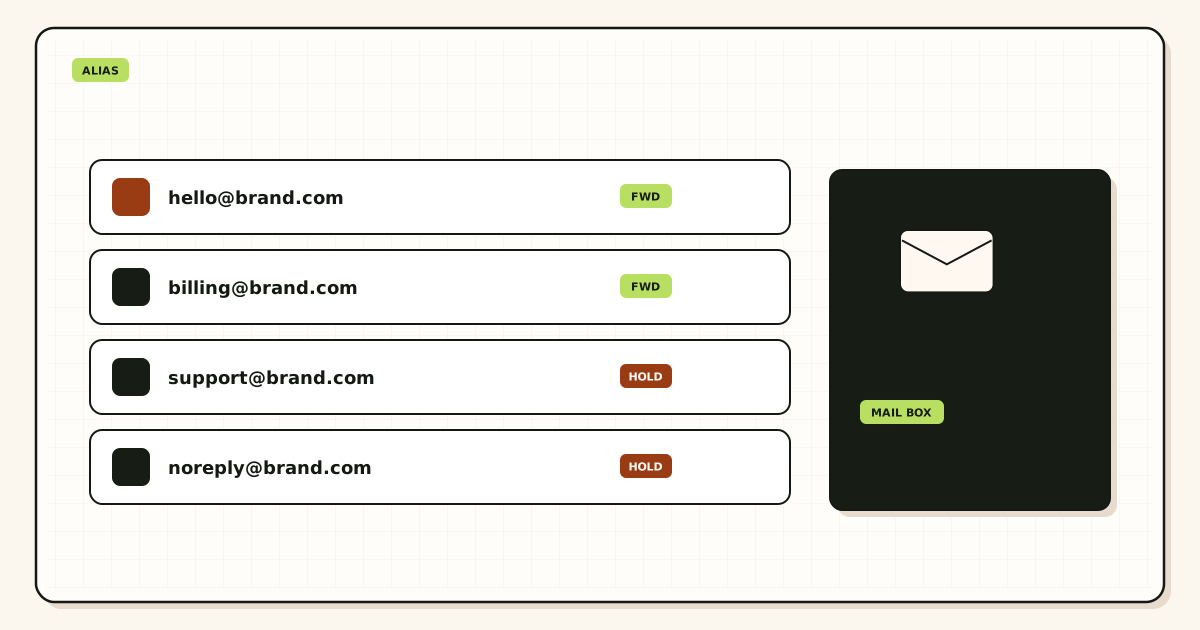
Quick answer for Hide My Email vs custom domain alias
If the other party should not know you, and you will never need them to write billing@yourdomain, Hide My Email or a similar mask is the smaller tool.
If the other party must trust the name on the mail, or you must send-as that name, you need a custom-domain alias on exclusive MX.
Do not publish both Apple MX and MailerZ MX for the company zone. Hide My Email does not need your zone. Keep the jobs on different identities.
Company hop: IETF RFC 5321 — Simple Mail Transfer Protocol. Apple documents Hide My Email on iCloud Help. Product: aliases, forwarding.
User problem and decision criteria
People treat every extra address as the same privacy trick. It is not. A relay Apple can disable is not founder@ and is not a DMARC-aligned company From.
Decision criteria: who owns the namespace, who can revoke it, who customers reply to, whether send-as exists, and whether a phone wipe kills the identity.
If you leave Apple, Hide My Email addresses are not something you export into MailerZ. That lock-in is the product. Be honest about it before you give the relay to a landlord.
If you need the address on an invoice PDF for five years, you need a domain you keep paying for. Registrar renewal is the privacy budget people forget.
If you want the shop to never correlate you with other shops, a custom domain fails that test. The registrable domain is the correlation. Read the companion article on correlation risk.
If a founder wants one tool for newsletters and wire transfers, they will pick the wrong one half the time. Split the stack.
Technical mail flow on each side
Hide My Email: the shop sends to a random address Apple issued. Apple accepts and places it in iCloud Mail. You may see it on devices signed into that Apple ID. You do not publish MX for that string.
Custom-domain alias: the shop or customer sends to hello@yourdomain. Public MX (MailerZ, if you chose it) accepts. SRS on the envelope. Header From stays the shop or customer. Gmail or Outlook is the destination you mapped.
Replies: Apple provides a way to reply through the relay so the shop still does not see your inbox. MailerZ paid send-as lets you reply From the domain. Free does not. Those are different verbs.
Disable: Apple can turn off a Hide My Email address. MailerZ can turn off a named alias. The blast radius differs. Disabling hello@ does not disable founder@ if you created both.
DNS exists only on the domain side. Leftover MX still kills company mail. Hide My Email cannot leftover-MX your icloud relay because you never published it.
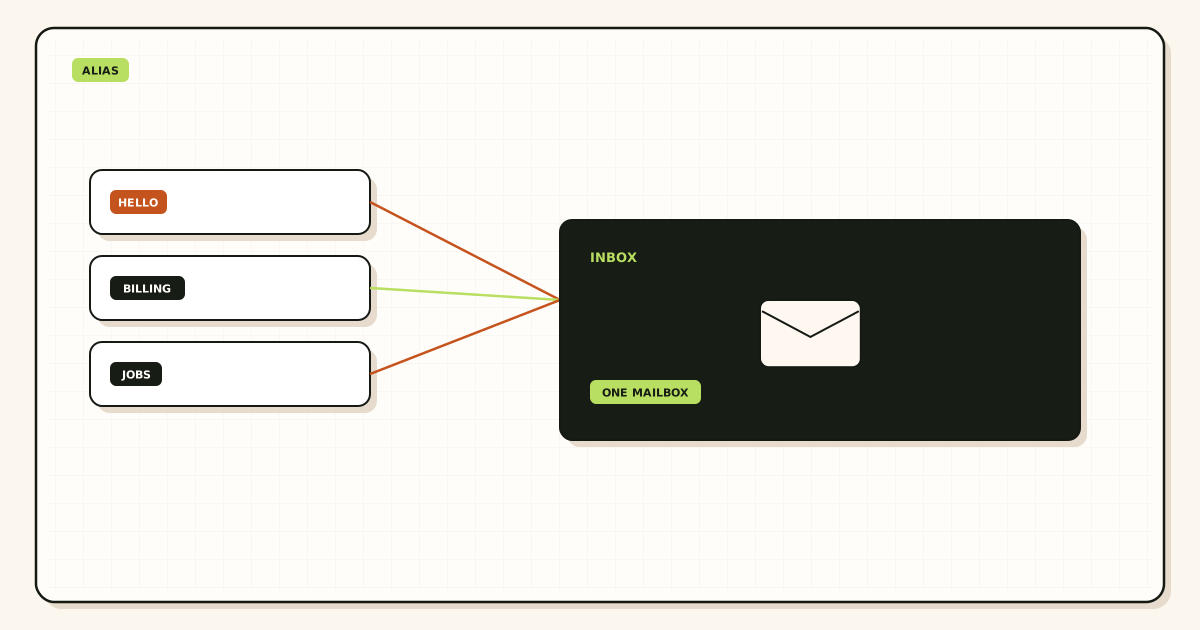
Step-by-step decision path
- List the next twelve places that will receive an email. Mark each as mask or domain.
- Create Hide My Email (or another mask) only for the mask column.
- Add the company domain to MailerZ. Publish exclusive MX. Delete leftovers.
- Create named aliases for the domain column. HOLD unknown.
- Probe domain aliases from a third mailbox.
- Store both maps in the password manager: which vendor has which identity.
- Never type the iCloud inbox into a company form 'just this once.'
- Never type founder@ into a sketchy coupon site.
- Review Apple's list and MailerZ aliases quarterly.
- If a mask leaks, disable it. If a domain alias leaks, disable that alias only.
Failure modes and proof
Using Hide My Email for a bank: the bank blocks the relay or cannot return mail to a human they can verify. Proof: their bounce, not a forum vibe.
Using the company domain for fifty newsletters: hello@ becomes a sewage pipe. Proof: you stopped reading it.
Dual MX on the company zone because you 'also use iCloud': leftover MX. Hide My Email did not ask you to do that.
Assuming MailerZ is anonymous because aliases exist. WHOIS, certificate logs, and the domain string still name you.
Losing the Apple ID and every Hide My Email address with it. Proof: you cannot log in and the landlord only has the relay.
Proof you chose well: each vendor's address still reaches you, and a disable only kills the intended one.
MailerZ workflow and product boundary
MailerZ is for custom-domain aliases where durable routing matters more than disposable anonymity. That is the positioning. It is not a Hide My Email clone.
Named aliases, HOLD unknown on Free, optional FORWARD on paid, fourteen- or ninety-day store, send-as on paid. Confirm /pricing.
Envelope SRS. Header From intact. Not IMAP. Not an open relay. Not SOC 2.
Do not ask MailerZ to mint random icloud-style strings on a domain you do not want correlated. The domain is visible. That is the trade.
Do not ask Hide My Email to be billing@yourdomain. Apple did not sell you that.
If you need both, you need both. One product page cannot absorb the other job.
Cost and alternatives
Hide My Email rides iCloud+. You already pay Apple or you do not. There is no MX work. There is Apple-ID lock-in.
Firefox Relay, SimpleLogin, and AnonAddy sit nearer the mask side, sometimes with your own domain bolted on. Read whether you own the namespace when you leave.
MailerZ Free is zero plus the domain. Solo is forty dollars a year when send-as starts. That is a company cost, not a consumer mask cost.
A suite mailbox can do aliases too, at seat prices. Buy it for the suite, not to imitate Hide My Email.
Doing nothing and typing personal Gmail into every shop is the most expensive option in breach hours.
Price the split: Apple for junk, MailerZ for the domain. Two small bills beat one wrong identity.
What Hide My Email actually is
It is an Apple ID feature. Addresses are issued and revoked in Apple's UI. They are not rows in your DNS.
They are meant so a shop cannot see your real iCloud address. That is inbox hiding, not brand publishing.
Apple can change the feature. You are not the operator of the relay. That is acceptable for a shoe store. It is not acceptable for the company domain.
Replying through the relay keeps the mask. If you reply from a personal Gmail instead, you just unmasked yourself. People do this constantly.
Family Sharing and departed contractors complicate who can still see the relayed mail. Treat the Apple ID like a production login.
This page is not an Apple manual. Read Apple's help for buttons. Read this page for the class choice.
A split that works
Personal junk and one-off merchants: Hide My Email or another mask.
Company, bank, payroll, customers, investors: custom-domain aliases on exclusive MailerZ MX.
Password manager stores the mapping. Your brain will not.
Same destination inbox is fine. Same public identity is not.
When you fire a mask, you do not touch MX. When you fire a domain alias, you still do not touch MX. When you migrate hops, you do.
Hide My Email vs custom domain aliases stops being an argument once the columns exist. Arguments happen when one address does every job.
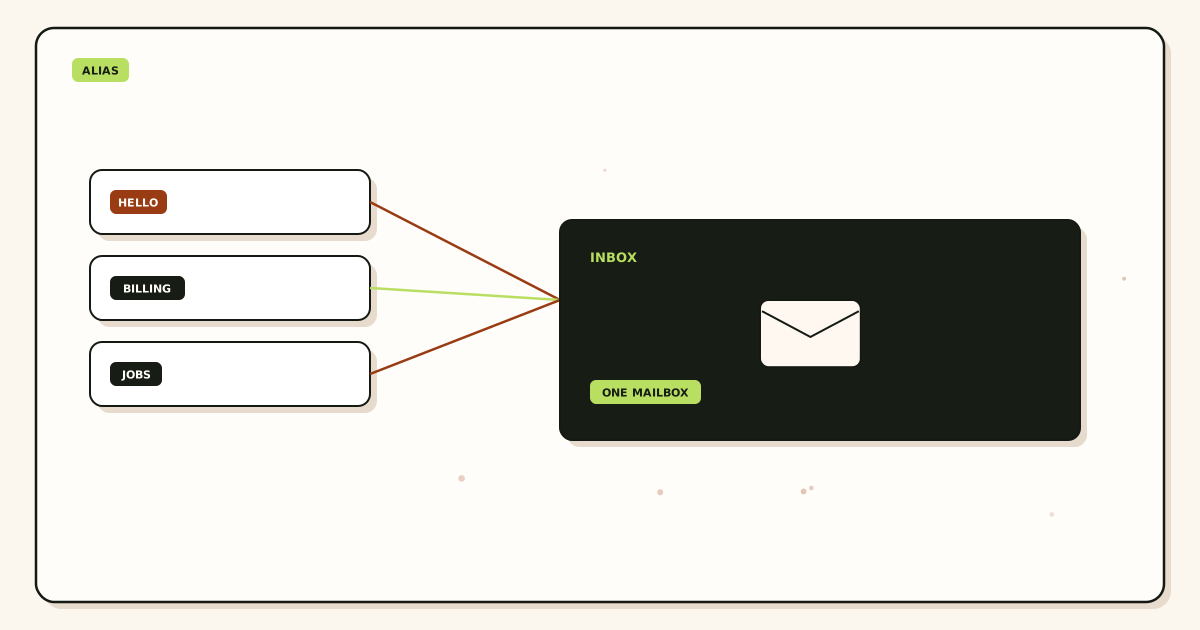
Worked scenarios for Hide My Email versus the domain
You rent an apartment. The landlord should not have your Gmail, and they do not need your company domain. Hide My Email is the right column. If you give them hello@yourdomain, every dump of that property manager joins to your brand.
You invoice a client. They must reply to billing@yourdomain. Hide My Email is the wrong column. A relay on an invoice looks like a scam even when it is honest.
You buy a gadget at 1 a.m. The shop will leak. Use a mask. Do not burn a company alias on a coupon.
You apply for a bank account as the company. The bank will not return mail to an icloud relay. Use the domain. Exclusive MX. Probe first.
You leave Apple. Every Hide My Email address you gave a landlord is now a recovery problem. That lock-in was visible on day one. The scenario is why the company column cannot live there.
You publish both iCloud MX and MailerZ MX on the company zone because you 'use both.' That is leftover MX. Hide My Email never asked for your zone.
A cofounder replies to a masked shop from founder@gmail.com. They just unmasked the household. The tool was fine. The habit was not.
Practice and anti-patterns for the split
Practice: two columns in the vault. Anti-pattern: one address doing landlord and payroll.
Practice: exclusive MX on the domain only. Anti-pattern: blending Apple and MailerZ on one zone.
Practice: disable a leaked mask without touching founder@. Anti-pattern: a dramatic new domain after a shoe store leak.
Practice: quarterly review of Apple's list and MailerZ aliases. Anti-pattern: a pile you never open.
Practice: say MailerZ is not anonymous. Anti-pattern: a privacy policy that pretends prefixes are stealth.
Practice: pay Solo when the bank needs From the domain. Anti-pattern: arguing with 550 on Free.
Hide My Email vs custom domain aliases stays calm when the columns exist before the form.
Operator closeout for a split stack
Closeout lists every living mask and every living domain alias. If you cannot produce the list, you do not have a split. You have a pile.
Domain closeout still needs two resolvers and a third-mailbox probe. Mask closeout needs a disable test on a throwaway.
Write which login owns Apple and which login owns MailerZ. Deputies must exist for both. One phone can lose both if you were sloppy.
Write the review date. Mask vendors and MailerZ plans change. The split rot when one side dies and you keep typing the dead string.
If you incorporated this year, closeout should move banks and payroll fully onto the domain column. Leaving them on a mask is how founders look unserious.
If you shut the company, closeout should kill domain aliases after the legal name dies, and leave personal masks alone.
Then stop arguing which tool is 'more private.' You already assigned viewers.
Edge cases at the boundary
Family Sharing on Apple: a teen can see a relay you used for a medical bill. Treat the Apple ID as production.
A bank that accepts Hide My Email today and rejects it after a policy change. You will need a domain alias in a hurry. Have MX exclusive before that Friday.
A government form that demands an email and forbids relays. Domain column. Probe.
A newsletter you actually want. Either class works. Prefer a mask so hello@ stays readable.
A partner who only has your mask and now must sign a contract. Issue a domain alias and say the mask retires.
Two Apple IDs after a phone migration. Relays can vanish. Do not learn that on a landlord deadline.
MailerZ HOLD filling with guesses of your domain prefixes. That is correlation plus stuffing. Tighten local parts. Do not add Apple MX.
Field notes from people who used one tool for both jobs
The landlord-on-the-invoice story happens every month. Hide My Email looks like a scam to a clerk who expected a company. The company-on-the-coupon-site story happens every week. hello@ becomes sewage. Hide My Email vs custom domain aliases is a filing problem. Two folders. Two namespaces.
Apple-ID lock-in is not theoretical. People lose phones, lose 2FA, and lose every relay they gave a utility. That is acceptable for a shoe store. It is not acceptable for payroll.
Leftover MX appears when someone 'merges' iCloud and MailerZ on the company zone. Hide My Email does not need your zone. Stop publishing Apple MX for a feature that never asked.
Cofounders unmask masks by replying from Gmail. Put that sentence in the onboarding doc. Tools cannot save a From picker.
Quarterly reviews catch dead masks you still type and dead aliases still in footers. Without a review the split becomes a pile.
If you incorporated this year, move banks and payroll onto the domain now. Waiting until a wire fails is a founder tax.
MailerZ will not hide you. Apple will not be billing@yourdomain. Field notes are those two refusals.
The vault is the only map that survives a vacation.
Handoff memo for the split stack
List living masks, living domain aliases, who owns Apple, who owns MailerZ, deputies for both, and the last disable tests.
State exclusive MX on the domain and no Apple MX on that zone.
State which relationships must never move to a mask: banks, payroll, customers, investors.
State which relationships must never move to the domain: junk, one-off merchants, nosy forms.
If you leave Apple or leave MailerZ, the memo says what dies and what you will reissue.
Acceptance criteria for the split
Every living relationship has a column. None sit in a third mystery pile.
Domain probes pass. Mask disable works on a throwaway.
No dual MX. Two resolvers agree.
The vault matches both vendors.
You can say which tool is not anonymous without a paragraph of poetry.
Operations review of the two columns
Open Apple's Hide My Email list and the MailerZ alias list on the same day. Every living relationship should appear in exactly one. Doubles are how you unmask yourself. Gaps are how you type founder@ into a junk form.
Re-test a mask disable and a domain probe. Tools rot. Hide My Email vs custom domain aliases is only a choice while both still work.
Read the company zone MX. If Apple or iCloud appeared, you blended. Delete it. Masks do not need your zone.
If you incorporated, move money relationships to the domain column this quarter. Waiting is how a wire bounces off a relay.
If you left Apple or changed Apple IDs, assume every mask is suspect until proven.
If you hired, do not give them the Apple ID that holds personal masks. Give them a domain alias.
If HOLD on the domain is full of prefix guesses, tighten local parts. Do not add a mask MX to 'help.'
If a landlord still has a mask and you moved, disable it after the deposit returns. Living masks for dead relationships are a map leak.
Quarterly split review
Rewrite the two columns from memory, then diff against the vault. Memory will be wrong. That is the review.
Confirm deputies for Apple and MailerZ still have access.
Confirm no dual MX.
Confirm Solo or above if you promised From the domain. Confirm Free if you did not.
Kill dead masks. Kill dead aliases. Update footers.
Reread the honest sentence: MailerZ is not anonymous. Apple is not billing@.
If the split felt like work and you cheated, write the cheat in the ticket. Cheats become next quarter's incident.
Appendix notes
Family Sharing can expose a medical relay to a teen. Treat the Apple ID as production. Hide My Email vs custom domain aliases includes who can see the mailbox, not only who can see the string.
A bank that accepts a relay today can reject it after a policy change. Have exclusive domain MX ready before that Friday. Do not discover send-as on Free during a wire.
Government forms that forbid relays belong on the domain column. Probe before you submit. A bounce after a filing deadline is a class error.
Two Apple IDs after a phone migration can vanish relays. Prove the list after every ID change. Landlords do not care about your migration story.
A partner who only has your mask and now must sign a contract needs a domain alias and a retirement note for the mask. Do not leave both living without a vault note.
Newsletters you want can live on a mask so hello@ stays readable. That is not a failure of the domain. That is the split working.
If HOLD fills with guesses of your domain prefixes, tighten local parts. Do not add Apple MX. Masks do not solve a public domain oracle.
If you shut the company, kill domain aliases after the legal name dies. Leave personal masks alone. Mixing those funerals is how personal junk dies with the LLC.
If you incorporate, the reverse move is mandatory: banks and payroll leave the mask column. Waiting until a clerk laughs at a relay is a founder tax.
Deputies who can open Apple but not MailerZ, or the reverse, are a half-handoff. Sunday cuts need both.
The vault is the only map that survives a vacation. If the vault is a screenshot album, you do not have a split. You have nostalgia.
Say the two refusals every quarter: MailerZ will not hide you. Apple will not be billing@yourdomain. Arguments die when the refusals are boring.
Closing notes
Closing note: two folders beat one clever address. Hide My Email vs custom domain aliases stops being a fight when the vault has columns and MX is exclusive on only one of them.
If you remember nothing else, remember the two refusals and the disable tests. Everything else is filing.
Start free on the domain column when you are ready to probe. Keep Apple for the junk column. Do not practice on leftover MX.
Final operator pass
Final pass: open both lists, kill doubles, fill gaps, re-query MX, re-test one disable. Hide My Email vs custom domain aliases is done when the folders match the vault and Apple is absent from the company zone.
If a wire is due this week, the domain column is exclusive and probed. If a landlord is due, the mask still receives. If neither is true, you are not done.
FAQ
What is the safest way to handle Hide My Email vs a custom domain alias?
Use Apple or another mask for throwaway consumer signups. Use a domain you own for anything that must look like you, accept replies, or survive a phone swap.
Does this require a new mailbox?
No. Both patterns can land in iCloud or Gmail. Custom-domain aliases via MailerZ are not IMAP.
Will it work with Gmail or Outlook?
Custom-domain aliases yes, as destinations. Hide My Email lands in iCloud. You can forward from there, but you still do not own the Hide My Email namespace.
What DNS records are involved?
None for Hide My Email. For custom-domain aliases: exclusive MX, verification TXT, leftovers gone. SPF if you send-as.
What should you test?
For Apple: a signup and a disable. For the domain: a third-mailbox probe, hop history, and a disable of one alias without touching founder@.
Can Hide My Email replace company email?
No. Payroll, banks, and customers will not treat a random icloud relay as billing@yourdomain. That is the point of this comparison.
Key takeaways
- Hide My Email hides an inbox. Custom-domain aliases publish a brand.
- You do not own Apple's relay namespace.
- Banks and payroll want a domain you control.
- MailerZ is routing, not anonymity.
- Disable a leaked alias. Do not burn founder@.
- Exclusive MX still applies on the domain side.
- Free has no send-as. Confirm /pricing.
- A split stack is allowed. Dual MX is not.
Conclusion and next action
Pick Hide My Email when the other party should never learn your inbox and never needs to trust your domain. Pick custom-domain aliases when the name on the mail is the product. MailerZ will not hide you. It will route you. Start free, map two aliases, and keep Apple for the newsletter pile.
Need the domain, not a relay
Start free on one domain and create aliases you can disable without Apple.
Named aliases on Free. Send-as on paid. Sign in if the zone is already there.
Review quarterly, or sooner if provider behavior, pricing, or MailerZ scope changes. Author: MailerZ editorial, Secuno LLC.