Gmail custom domain vs Google Workspace is a store decision, not a branding decision. Keep consumer Gmail if that archive, search, and phone app are already enough. Buy Workspace when you need hosted mailboxes, Calendar administration, Drive policy, or a lockable store on the domain. MailerZ is the delivery layer for the first path: exclusive MX, named aliases, optional paid send-as. It is not a Workspace replacement and not IMAP.
Quick answer for Gmail custom domain vs Google Workspace
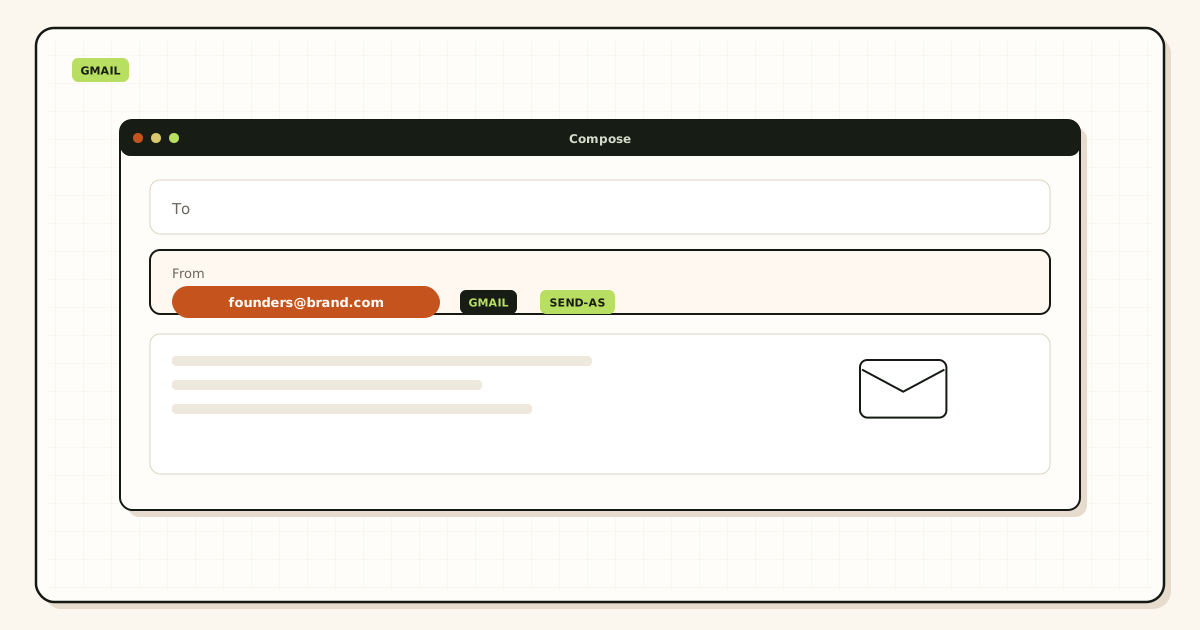
Choose consumer Gmail plus a custom-domain hop when the job is “people can mail hello@yourdomain.com and I answer from the inbox I already live in.” That hop is MX, a named alias map, leftover cleanup, and a probe from another mailbox. Paid send-as is a second hop if replies must leave as the domain. MailerZ does that split. Google documents the client attach as sending from a different address in Google Gmail Help — Send mail from a different address.
Choose Google Workspace when the job is “each person needs a hosted mailbox on the domain, plus Calendar, Drive, Meet, and an admin who can lock accounts.” That is a suite. Confirm current packaging on Google Workspace — product overview. Do not treat a forwarding plan as that suite. Do not treat Workspace as cheaper forwarding. The products solve different stores.
The unsafe middle is both MX sets at once. Workspace MX plus MailerZ MX is leftover MX with a logo. Some senders hit Google. Some hit MailerZ. Your unique-subject test can look green while customers vanish. Leftover MX is a hard stop on MailerZ. Delete the set you are not using before you print the address.
MailerZ Free is one domain, ten aliases, one seat, a 14-day store, send-as Off, SMTP Off, API Off, and unknown mail held or rejected only. Solo is $40 per year: five domains, twenty-five aliases, 2,500 outgoing per month, 20 per hour. Starter is $8 monthly or $80 yearly. Business is $19 or $190. Agency is $39 or $390. Unlimited is $99 or $990 with a 180-day store and 100,000 outgoing. Confirm numbers on MailerZ pricing. Those ceilings are not an inbox-placement promise and not a Workspace price list.
Related: custom-domain email forwarding, send and reply as your domain, and MailerZ documentation. Transport still follows IETF RFC 5321 — Simple Mail Transfer Protocol.
The user problem and the decision criteria
Founders search Gmail custom domain vs Google Workspace after a registrar sold them “business email” and a friend said they need Workspace for hello@. The printed address is the same either way. The store, the admin model, and the invoice are not.
Consumer Gmail is an archive you already paid for with attention, labels, and years of search. A delivery layer puts the domain in front of that archive. You do not migrate seven years of mail to print a footer. You do not get a hosted Drive policy. You do not get an admin who can wipe a contractor’s domain mailbox, because there is no domain mailbox.
Workspace is a hosted store per user. Google becomes the mailbox operator for the domain. Calendar and Drive live in that tenancy. That is the right buy when legal wants a lockable store, when every hire needs @yourdomain as a login, or when you already run the rest of the suite. It is the wrong buy when you only needed MX and a From identity around one Gmail you already open.
| Question | Consumer Gmail + MailerZ | Google Workspace |
|---|---|---|
| Where is the archive? | The Gmail you already search. | A new hosted mailbox per user. |
| Do you need Calendar and Drive admin? | No. Keep personal Google accounts. | Yes. Buy the suite. |
| How many printed names? | Named aliases into one or a few dests. | Usually one mailbox per person plus groups. |
| Who can lock the store? | Whoever owns the dest Gmail. | The Workspace admin. |
| What does leftover MX do? | Splits inbound. Hard stop. | Same. One MX set only. |
A third trap is “Workspace trial leftover.” You started a trial to see hello@. Google MX stayed published. You later added MailerZ. Half of inbound still dies at Google. The comparison article cannot save a mixed zone. Query two public resolvers. Delete the set you are not using.
Technical mail flow
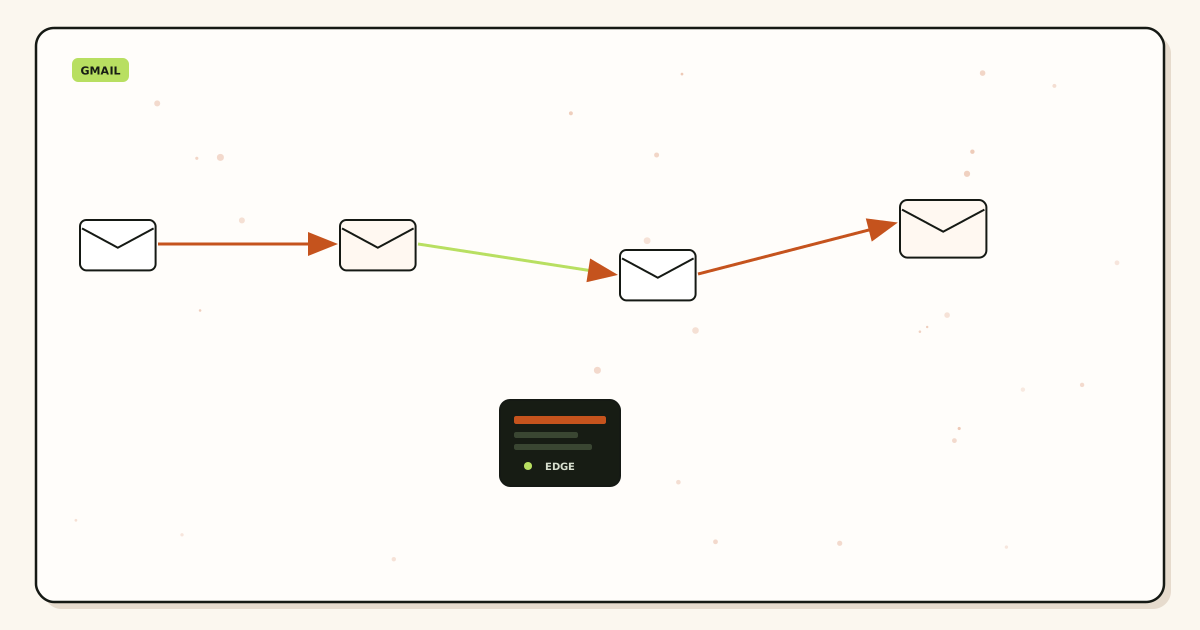
A sender looks up MX for your domain. That answer decides the store class. If MailerZ MX answers, MailerZ checks verification and the alias table, may hold unknowns, and forwards a copy to the destination Gmail or Outlook. Header From stays the original sender. Envelope return path may use Sender Rewriting Scheme. The dest store still files junk. See Header From versus envelope From.
Consumer Gmail plus forwarding
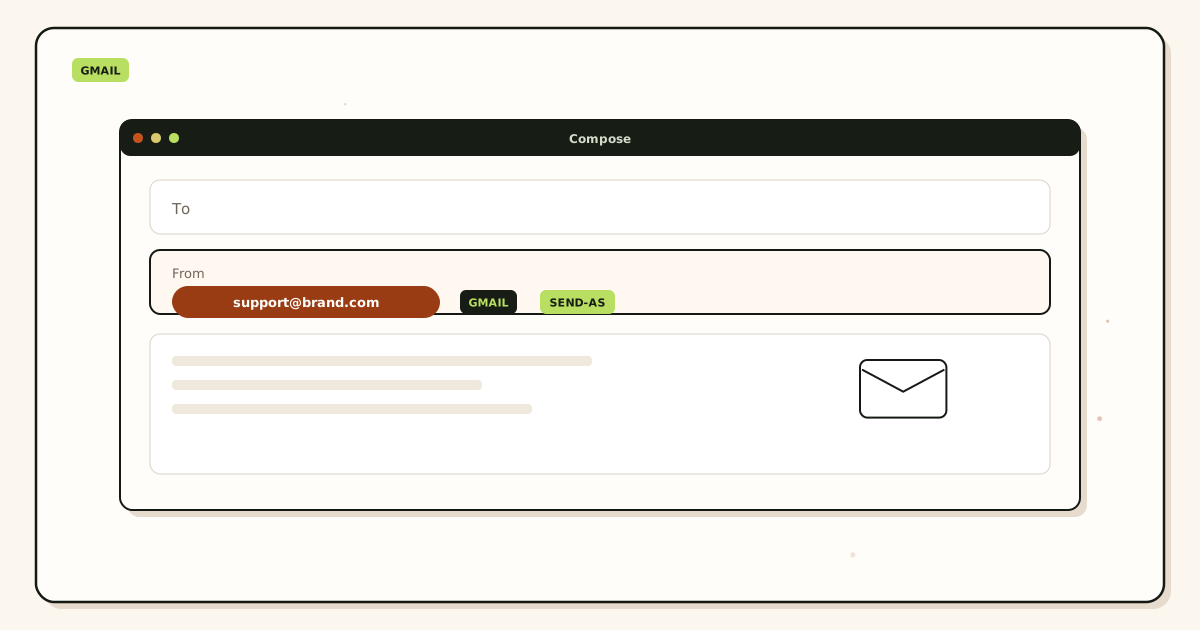
The destination mailbox already exists. MailerZ is hop one. Gmail is hop two. You search Gmail. You attach send-as later with authenticated SMTP on a paid plan. Free cannot finish outbound. Unauthorized send is 550 / 550 5.7.1. MailerZ is not an open relay.
Workspace hosted mail
Google MX answers. The message is stored in a Workspace mailbox. There is no MailerZ hop unless you later migrate off and delete Google MX. Send-as inside Workspace is Google’s identity, not MailerZ SMTP. Do not paste MailerZ credentials into a Workspace domain that still uses Google MX and expect one history.
Why mixed MX lies
Priority numbers are an order, not load balancing. Two operators mean two stories. A probe that lucks onto MailerZ does not prove customer mail will. Leftover MX is why “Gmail custom domain vs Google Workspace” arguments restart every week. Clean the set, then compare products.
Self-send from a Gmail account to the same Gmail account can short-circuit and skip public MX. That test can look like Workspace “still works” after you deleted Google MX, or like MailerZ “failed” when you never left the mailbox. Probe from another provider. Title the message uniquely.
Step-by-step setup and decision path
Write the store sentence
“We will search mail in consumer Gmail” or “we will search mail in Workspace.” If you cannot pick, you will buy both and lose mail.
If consumer Gmail: add one domain on MailerZ
Publish the verification TXT. Map hello@, support@, and billing@ to real inboxes. Free allows ten aliases. Hold unknowns.
Publish one MX set and delete leftovers
Copy MailerZ MX. Remove Google, Microsoft, registrar, and old-forwarder MX. Use DNS diagnostics if two views disagree.
Prove inbound from another mailbox
Unique subject. Unrelated provider. Confirm Header From and history. Then print the address.
Add paid send-as only if From must travel
Upgrade. Copy host, port, and TLS from the dashboard. Attach Gmail Send mail as. Prove outbound to a second inbox. Free stops before this step.
If Workspace: buy the suite and do not add MailerZ MX
Follow Google’s current setup. Do not “also” point MX at MailerZ for the same zone. Migration later is a cutover, not a hybrid.
Failure modes and proof
| What you see | Likely cause | Proof to collect |
|---|---|---|
| Some senders arrive, others do not | Mixed Google and MailerZ MX. | MX from two resolvers. Delete leftovers. |
| Google cannot verify Send mail as | Alias not forwarding, or leftover MX stole the message. | History for the verification recipient. Gmail spam. |
| Replies still leave as @gmail.com | Still on Free, or default identity selected. | Plan. From selector. Outbound history. |
| Workspace trial mail still arrives at Google | Google MX never removed. | Public MX. Old admin console. |
| Self-send looks perfect | Gmail short-circuited to itself. | Repeat from another provider. |
| Held unknown on Free | Catch-all expected, plan does not forward unknowns. | Create the named alias. Do not invent a mailbox. |
Proof is a pair: the destination copy or sanitized headers, and the hop history with a timestamp. Do not mail SMTP passwords to support. Inbox placement is not proof the comparison is settled.
MailerZ workflow and product boundary
MailerZ is inbound MX plus authenticated SMTP from Secuno LLC. Site: mailerz.net. App: mail.mailerz.net. Envelope SRS only. Header From, Subject, Date, Message-ID, body, and MIME are never rewritten. Not Google Workspace, not IMAP or POP, not an open relay.
What MailerZ does in this comparison
- Accept inbound for verified domains and named aliases.
- Forward into consumer Gmail or Outlook you already read.
- Hold unknown recipients on Free; optional paid unknown forward.
- Keep a 14-day hop store on Free, 90 days on Solo–Agency, 180 days on Unlimited.
- Offer paid send-as so replies can leave as the domain.
What MailerZ does not do
- Host a mailbox, Calendar, Drive, or Meet tenancy.
- Replace Workspace admin, Vault, or eDiscovery.
- Promise inbox placement, uptime SLAs, or review counts.
- Claim SOC 2, ISO 27001, or HIPAA. Controls: Security and Trust Center.
- Send newsletters or purchased lists.
Seats are dashboard operators, not Gmail licenses. Free and Solo are one seat. Starter is five. Business is twenty-five. Agency is fifty. Unlimited is uncapped. If three people must search one legal inbox with vendor retention, that is a suite job. MailerZ can route legal@ into a dest you name. It cannot mint Vault.
Related comparison that stays on the hello@ question only: do you need Workspace just for hello@. This page is the store-class choice. That page is the “one printed name” trap.
Cost, alternatives, and trade-offs
Workspace prices change. Quote Google’s live page, not this article. The economic shape that matters is seats versus a delivery layer. A five-person team that only needed hello@, support@, and billing@ into two Gmails pays MailerZ plan capacity, not five hosted mailboxes. A five-person team that needs Drive sharing, Calendar resources, and lockable stores pays Workspace. Mixing the invoices without mixing the MX is fine. Mixing the MX is not.
| Approach | You get | You give up |
|---|---|---|
| MailerZ + consumer Gmail | Domain identity, existing archive, one history for the hop. | No hosted mailbox. You operate DNS. Published send caps. |
| Google Workspace | Hosted store, suite apps, admin lock. | Per-user cost. Migration if you later leave. |
| Both MX sets | A story that sounds complete. | Split inbound. Two support desks. Lost mail. |
| Registrar forwarding only | A cheap toggle. | No hop store. Weak evidence. Often no send-as. |
Solo is $40 per year only. Annual Starter, Business, and Agency billing includes two months free relative to monthly. Unlimited exists when domain and alias caps become the constraint. None of those plans become Workspace because you named Google in the title.
Agencies should price the hop and the suite separately. Client brand domains that only need aliases into an existing inbox are MailerZ capacity. Clients that need hosted seats are Workspace or Microsoft 365. Do not put every client on catch-all FORWARD to avoid the conversation. See MailerZ vs Microsoft 365 when the other suite is the comparison.
Who should buy which, in practice
Keep consumer Gmail
A founder with one domain, three printed names, and a Gmail they already live in. A two-person shop that shares support@ into one dest and keeps personal Gmail for humans. A side project that needs hello@ on a card and will not run Drive for contractors. Prove inbound. Hold unknowns. Upgrade when From must travel.
Buy Workspace
A team that already lives in Calendar and Drive and needs @yourdomain as the login. A company that must lock a departing employee out of a domain mailbox. A firm whose counsel asked for a hosted store and retention product. Buy the suite. Do not add MailerZ MX on that zone unless you are leaving Google in a planned cutover.
Leave Workspace later
Save the old MX set. Lower TTL if you can. Publish MailerZ verification and MX. Delete Google MX. Probe from another mailbox. Remap send-as. Workspace Drive and Calendar do not move because MX moved. Plan those separately. The hop is not the suite export.
Do not use this comparison to hide a campaign
Neither consumer Gmail plus MailerZ nor Workspace is a list engine. Newsletters stay on an ESP and a sending subdomain. Do not burn role-mail SMTP or a Workspace mailbox on a purchased list and then blame the Gmail custom domain vs Google Workspace choice.
Plus addressing on @gmail.com is not a custom-domain policy. MailerZ will not strip plus tags on your zone the way Gmail does on Google’s domain. Named aliases are the map. Catch-all FORWARD is optional on paid plans and is not a Workspace group.
If someone still asks “which is better,” answer with the store sentence. Better for a footer is not better for Vault. Better for a cheap hello@ is not better for ten hosted seats. The comparison is honest only after leftover MX is gone and one inbound test from another mailbox has a timestamp.
A worked week for a two-person shop
Monday they write the store sentence: both people already live in consumer Gmail. Tuesday they add the domain on MailerZ, map hello@ and billing@, publish MX, and delete the registrar’s leftover hosts. Wednesday they probe from a personal Outlook account. Thursday they print hello@ on the site. Friday they notice replies still leave as @gmail.com. That is not a failed comparison. That is Free doing what Free does. They upgrade to Solo at $40 per year, attach Send mail as, and prove outbound to the same Outlook account. They did not need Workspace. They needed one MX set and a From identity.
The same week goes badly if they start a Workspace trial “just to see” and leave Google MX published. Wednesday’s probe hits MailerZ. A customer on Thursday hits Google and gets a bounce or a trial mailbox nobody reads. The argument then becomes Gmail custom domain vs Google Workspace again, as if the products failed. The zone failed. Two operators. One printed name.
What “admin” actually means on each path
On MailerZ, a seat operates the dashboard: domains, aliases, SMTP users, hold versus forward, delivery history. It cannot wipe a dest Gmail. If a contractor’s personal Gmail was the destination for clients@, offboard means remap the alias and rotate SMTP. The contractor still has their Gmail. That is the honesty of a delivery layer.
On Workspace, an admin can suspend a domain mailbox, reset a password, and take Calendar resources. That is why counsel asks for the suite. It is also why you pay per user. Do not promise Workspace admin outcomes on a MailerZ invoice. Do not promise hop history and leftover-MX stops on a Workspace invoice unless you later migrate and delete Google MX.
DNS ownership still decides both products
Whoever can edit the authoritative zone can steal inbound, regardless of which store you chose. Registrar lock, 2FA, and a recovery mailbox that is not public hello@ belong on both paths. A Gmail custom domain vs Google Workspace debate that ignores nameserver access is theater. If the builder still owns DNS, leftover MX will return after the next “helpful” deploy.
SPF, DKIM, and DMARC follow the sender you will use. If MailerZ sends, publish MailerZ values. If Workspace sends, publish Google’s. Mixing includes from a retired trial “just in case” is how receivers see a policy that authorizes everyone and explains nothing. Authentication is not encryption and not an inbox-placement promise. Confirm the sending records after you pick the store, not before.
When the dest is Outlook, not Gmail
The comparison title says Gmail because that is the search. The hop works the same if the store is Outlook.com or a Microsoft mailbox you already pay for. Incoming mail stays there. Outgoing identity is a manual SMTP account on a paid MailerZ plan. Do not assume Microsoft inherits Gmail’s Send mail as wizard. If the team already lives in Microsoft 365 as a suite, the other comparison is MailerZ versus another mailbox seat, not this Gmail-versus-Workspace page. Quote Microsoft’s live prices there. Quote MailerZ on pricing. Do not invent a hybrid MX that uses both suites.
FAQ
What is the safest way to choose Gmail custom domain vs Google Workspace?
Name the store you already search. If consumer Gmail is enough, publish exclusive MailerZ MX, map named aliases, and add paid send-as only when From must travel. Buy Workspace when you need hosted mailboxes, Calendar admin, Drive policy, or a lockable store. Do not run both MX sets.
Does this require a new mailbox?
No if you keep consumer Gmail or Outlook as the store. MailerZ is Mail Box portal webmail (Inbox, Sent, New email). It is not IMAP or POP. Yes if you buy Workspace: each user gets a hosted mailbox on the domain. That is a different product class.
Will it work with Gmail or Outlook?
Forwarding into free Gmail works when MX is exclusive and the destination is verified. Workspace users already have hosted Gmail on the domain. Mixing Workspace MX with MailerZ MX splits mail. Pick one inbound operator.
What DNS records are involved?
A verification TXT, one MX set for the operator you chose, leftover MX removed, and SPF, DKIM, and DMARC for the sender you will actually use. Workspace and MailerZ each publish their own sending records. Do not leave both include sets live “just in case.”
What should I test before production?
Send a uniquely titled message from an unrelated mailbox into each printed alias. Confirm Header From and delivery history. Then send outward as the domain to a second inbox. Self-send from Gmail to the same Gmail account can hide leftover MX.
Can I keep my old Gmail archive if I skip Workspace?
Yes. That is the point of a delivery layer. Search, labels, and phones stay in consumer Gmail. The domain identity lives on MX and optional SMTP. You do not export seven years of mail to start hello@.
Key takeaways
- Gmail custom domain vs Google Workspace is a store choice, not a logo choice.
- Keep consumer Gmail when that archive is enough. Add exclusive MailerZ MX and named aliases.
- Buy Workspace when you need hosted mailboxes and the suite.
- Never run both MX sets. Leftover MX is a hard stop.
- Free inbound is not send-as. Paid SMTP is optional on the forwarding path.
- MailerZ is not IMAP, not Vault, not SOC 2, and not a Workspace replacement.
- Self-send lies. Probe from another mailbox.
- Quote Google’s live prices. Quote MailerZ from /pricing.
Conclusion and next action
If you came here for Gmail custom domain vs Google Workspace, write the store sentence first. Keep the inbox you already search, or buy the hosted suite. Point MX at one operator. Prove inbound from a mailbox that is not the destination. Then decide whether From must travel.
MailerZ fits the consumer-Gmail path: one domain on Free, leftover MX gone, named aliases, paid send-as when you need it. It does not fit a team that needed Workspace all along. Start free if you only need inbound proof. Sign in if the domain is already there and Google MX still answers.
Prove the hop, then pick the store
Start free with one domain and keep the Gmail you already search.
Inbound on Free. Paid send-as when the From identity has to travel. Buy Workspace only if you need the suite.
Review quarterly, or sooner if Google Workspace packaging or MailerZ plan cards change. Author: MailerZ editorial, Secuno LLC.