An email alias provider checklist is twelve questions you ask before you point MX at anyone. The questions are about routes, leftovers, proof, and what happens when an address leaks. They are not about webmail themes. If a vendor cannot answer them in writing, you are buying a mailbox in disguise or a catch-all with a logo.
Quick answer for email alias provider checklist
You need a custom domain alias service when printed strings must survive staff changes and still land in inboxes people already open. IETF RFC 5321 — Simple Mail Transfer Protocol delivers to a local-part. The receiving system either stores that local-part as a mailbox or routes it. An alias provider sells the route. A suite sells the store. Mixing those invoices is how teams pay per seat for billing@ that nobody logs into.
The checklist exists because marketing pages collapse those jobs. “Business email” can mean IMAP, a privacy mask, a bulk ESP, or named forwards. Your job is to force a written answer on pause, unknown recipients, leftover MX, Header From, send-as revoke, plan limits, and a third-mailbox test. MailerZ answers those as forwarding plus optional paid send-as, not as Workspace, not as IMAP, not as an open relay.
Use the twelve questions below on MailerZ and on anyone else. If two vendors pass, pick on price and hop history you can actually open. If none pass, keep Gmail and do not publish MX yet. See email alias service for the product shape and aliases and catch-all for the unknown-recipient trap that fails most checklists in week two.
User problem and decision criteria
Founders pick a provider from a comparison table that lists price and “unlimited aliases.” They publish MX. A week later unknown local-parts flood Gmail. They cannot pause one printed address without deleting the domain. Send-as still advertises a leaked From. Support says “check your spam folder.” That is not a provider failure you discover at month six. It is a question you failed to ask on day one.
Decision criteria that belong on the checklist: can you disable one alias without moving the inbox; is unknown mail held by default; does the vendor warn about leftover Google or Microsoft MX; do stored copies keep Header From; can you revoke send-as without republishing inbound MX; are alias counts and send-as hourly caps written on a pricing page you can quote; can you prove inbound from a mailbox that is not the destination.
Criteria that do not belong: a promise of inboxing percentages, a review-count badge, SOC 2 language you cannot verify, or “unlimited” without a definition of unknown recipients. Unlimited catch-all is how a spam cannon starts. Unlimited named aliases with hold-unknown is a different product. Make the vendor say which one they sell.
Role addresses raise the bar. support@ and jobs@ are contracts. Privacy-mask apps are disposable by design. If the sales call talks about hiding your personal inbox from newsletters, you are in the wrong aisle for durable brand aliases. Custom domain email alias is the aisle. Plus-addressing at Gmail is not a provider. You cannot revoke you+shop@gmail.com at a domain you do not operate.
Buy a mailbox suite when people need calendars, docs, and a hosted store. Buy an alias provider when the public string must stay stable and the store already exists. The checklist stops you from buying the suite to solve the route, or the mask to solve the role.
Run the questions in a live call, not in a form the vendor pre-fills. Watch whether they open a dashboard and show hold-unknown, or whether they talk about “smart filtering.” Filtering at Gmail is not a provider control. If they cannot share a screenshot of a disabled alias that still shows hop rows, treat history as a fail until proved.
Write down who owns DNS. A provider can pass every mail-flow question and still lose you if your registrar login sits with a contractor who publishes a second MX “just in case.” The checklist assumes one person can remove leftover hosts the same day you connect the domain. If that person is on holiday, delay the cut. Random dual-MX is worse than waiting a week.
Technical mail flow
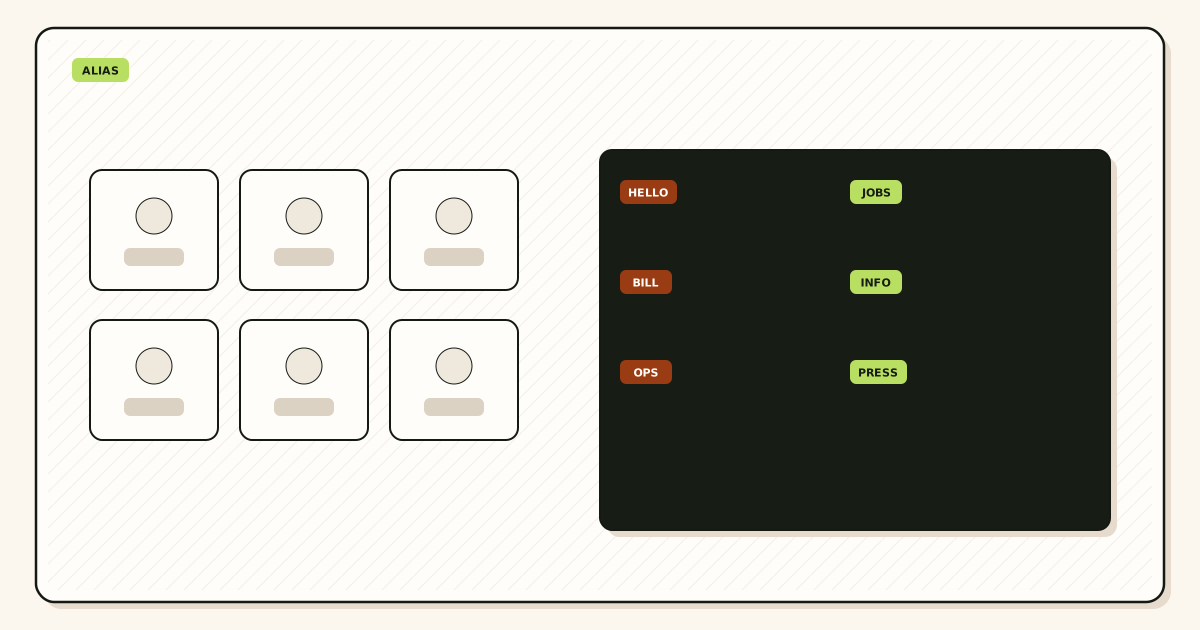
Inbound starts at MX. The sending server delivers to the host your domain names. The alias provider accepts, rejects, or holds based on the local-part. Named aliases forward to a destination mailbox. Unknown local-parts should not silently join that path. Envelope recipient on the forward hop is often rewritten so Gmail or Outlook accepts the message. MailerZ uses SRS on the envelope only. Header From, Subject, Date, Message-ID, body, and MIME stay as the sender wrote them. Ask every vendor if they rewrite Header From. A rewrite fails the intact-headers question.
Outbound, if offered, is authenticated SMTP from a verified domain identity. The client is Gmail Send mail as, Outlook, or an app. Host, port, and TLS or STARTTLS must come from that vendor’s dashboard. Generic blog ports are not a checklist answer. Open relay must be denied. MailerZ answers open-relay attempts with 550 and disallowed authenticated traffic with 550 5.7.1.
DNS is verification TXT, one MX set, leftover host removal, and sending records if you send. Two MX sets from two eras is a leftover problem, not an alias feature. The checklist asks who detects that. If the answer is “you will notice mail is random,” the vendor failed.
Step-by-step: twelve questions
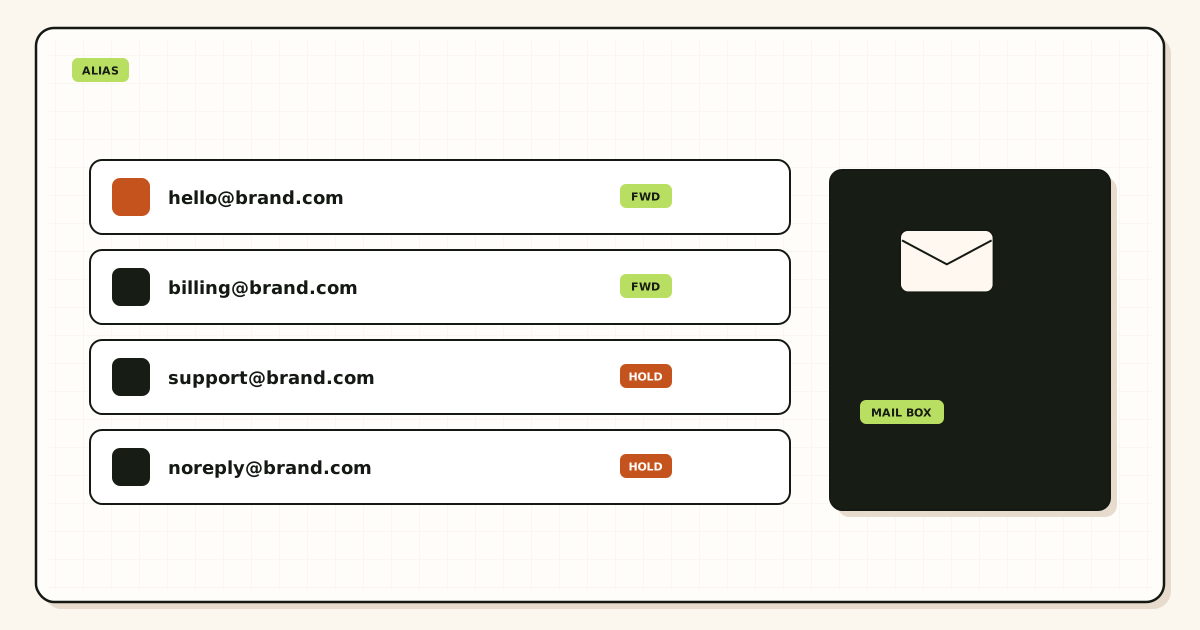
- Can I pause one named alias without changing the destination inbox? If disable means “delete the domain” or “change Gmail MX,” the product is not an alias service. You want a row you can turn off while
you@gmail.comstays put. - What happens to unknown local-parts by default? Hold or reject is a pass. Silent FORWARD of everything is a fail. Catch-all is a watched exception, not a default. Ask them to show the control, not describe it.
- How do you detect leftover MX from Google or Microsoft? Split MX looks like random loss. A provider that never mentions leftover hosts will blame Gmail when half the internet still delivers to an old suite.
- Can I still open hop history after I disable an alias? Disputes need a row that a message was accepted or held. Deleting history with the toggle fails this question. Ask for the retention window in days, not “we keep logs.”
- Do you rewrite Header From, Subject, Date, Message-ID, or the body? Envelope rewrite for forwarding is normal. Header rewrite hides the sender you needed to see. MailerZ does not rewrite those header fields or MIME.
- Can I revoke send-as without touching inbound MX? Inbound and outbound are different paths. A leaked From should die in the identity list. Republishing MX to stop outbound is a fail.
- Are alias counts, seats, outgoing caps, and send-as hourly limits on a public pricing page? If the answer is a sales call, you cannot operate the plan. MailerZ publishes Free, Solo, Starter, Business, and Agency on pricing. Quote that page, not this article, if numbers move.
- How do I prove inbound from a third mailbox? Self-send from Gmail to Gmail hides routing. The vendor should tell you to send a unique subject from an unrelated provider and read Header From plus a hop row.
- Are you an open relay? The only acceptable answer is no, with a permanent failure for unauthenticated use. “We are flexible for partners” is how you inherit someone else’s spam reputation.
- What is the stored-copy window, and is it an archive? Fourteen days and ninety days are recovery windows, not records retention. A vendor who says “unlimited archive” on a forwarding product is mixing jobs. Buy an archive if you need years.
- Do destinations have to be mailboxes I already use? If the product requires a new IMAP login per alias, you are buying seats. That can be valid. It is not the alias checklist. Say so out loud before you compare price to a forwarder.
- What is the disable-and-replace path when an alias leaks? You want pause, hold unknown, new named route to the same inbox, vendor update, proof both sides. If the answer is “change your Gmail address,” they failed question one again.
Walk the list in one sitting. Write the answers in a note the next teammate can read. Then create one test alias, prove it, and only then print the role addresses. Creating support@ before the checklist is how you inherit a provider you cannot leave.
If a salesperson answers with a feature matrix instead of these twelve, ask the same question again. Feature matrices hide catch-all defaults and leftover MX. You are buying mail flow, not a slide.
Interview script you can read aloud: “Show me a disabled alias that still has hop rows. Show me an unknown local-part that did not forward. Show me the MX you expect after leftover hosts are gone. Show me Header From on a stored copy. Show me how I remove a send-as identity. Show me the public page that lists alias count and send-as per hour.” If any of those five shows turns into a story, mark the matching question fail and keep Gmail MX where it is.
Print this list next to the domain registrar login. The person who can publish TXT and MX should be in the same meeting as the person who owns the destination Gmail. Split ownership is how verification succeeds and leftover MX stays. The checklist is operational, not decorative.
Failure modes and proof
Unlimited aliases with silent catch-all is the first fail. The checklist looked green because the UI lets you type any local-part. The internet typed them for you. Proof: send to a name you never created. If it lands in Gmail, unknown is not held.
Leftover MX is the second. The new provider shows “domain connected.” An old Google MX still answers some resolvers. Proof: look up MX from a resolver that is not your laptop cache. You want one set.
Header rewrite is the third. Stored copies all show the forwarder’s address as From. You cannot tell who mailed billing@. Proof: open a received message and read Header From, not the Gmail conversation label.
Filter-as-disable is the fourth. The vendor says pause the alias. They mean create a Gmail filter. Volume still arrives. Proof: hop history still shows accepts after you “turned it off.”
Invented SMTP ports are the fifth. A setup guide lists 587 because every tutorial does. The dashboard shows something else, or TLS versus STARTTLS is wrong. Proof: a send-as test that fails with a TLS error while inbound still works.
Free-plan send-as assumptions are the sixth. MailerZ Free is one domain, ten aliases, one seat, fourteen-day store, send-as disabled, hold unknown. If the checklist requires outbound as the domain, you are on a paid-plan question. Solo is forty dollars per year with twenty-five aliases, ninety-day store, 2,500 outgoing per month, and 20 send-as messages per hour. Starter is eight dollars a month or eighty a year. Business is nineteen or one hundred ninety. Agency is thirty-nine or three hundred ninety.
Open-relay “flexibility” is the seventh. Someone’s WordPress form uses the host without credentials. You inherit that traffic. Proof: an unauthenticated submit gets 550, not a queued message.
Archive confusion is the eighth. Legal asks for a year of jobs@. The forwarder kept fourteen days. The destination Gmail has more, unless someone emptied trash. Proof: know which store is the record before you sign a customer contract that assumes the alias layer is the archive.
Plus-addressing sold as aliases is the ninth. The vendor is Gmail. You cannot revoke a plus tag at your domain. Proof: the public string is still @gmail.com. Brand mail that must look like the domain failed the destination-and-From questions together.
MailerZ workflow and product boundary
MailerZ is custom-domain aliasing and forwarding with optional paid send-as. Secuno LLC operates mailerz.net. The app is mail.mailerz.net. It is not Google Workspace, not Microsoft 365, not IMAP, and not an open relay.
Against the twelve questions: you can pause a named alias without moving Gmail; Free holds unknown recipients; you publish one MX set and should remove leftover hosts; hop history stays for the plan window after a pause; envelope SRS only, headers and body intact; send-as is a separate paid path you can stop using without republishing inbound MX; limits sit on the pricing page; proof is a unique inbound from a third mailbox; unauthenticated use is 550; retention is fourteen or ninety days and is not an archive; destinations are existing mailboxes; disable-and-replace is a new named route to the same inbox.
Copy SMTP host, port, and TLS or STARTTLS from the dashboard when you use paid send-as. Do not paste generic ports into the checklist as MailerZ facts. Rate limits are plan facts. This page does not invent SOC 2, ISO, HIPAA, an SLA, or inboxing percentages.
Support stays on site surfaces. If a leak included personal data already sitting in Gmail, the alias layer does not erase those copies. The checklist’s disable path stops new mail on that local-part.
Cost, alternatives, and trade-offs
A provider that fails the checklist is expensive even when the sticker is zero. Gmail noise, missed invoices, and a domain you are afraid to touch cost more than Solo at forty dollars a year. MailerZ Free can run the checklist on ten aliases. When you need send-as or more named routes, paid plans are the next step. Confirm live numbers on the pricing page.
Google Workspace and Microsoft 365 pass a different checklist: calendars, docs, hosted mailboxes. They fail the “do not buy a seat per role” test if all you needed was support@ into existing Gmail. Compare on Google Workspace when someone sells the suite as the only way to look professional.
Privacy-mask tools pass a disposable checklist and fail a brand-role checklist. Bulk ESPs pass a newsletter checklist and fail a support-inbox checklist. Use the twelve questions to keep those products in their lanes.
Doing nothing also has a cost. People print personal Gmail on invoices. When that person leaves, the brand leaves with them. An alias provider that passes the checklist keeps the public string and changes the destination.
If two forwarders both pass, pick the one whose hop history you can open without a ticket, and whose unknown-recipient default is hold. Price is the tie-breaker, not the first filter.
Agencies sometimes sell “email cleanup” as a Workspace migration. Run the twelve questions on that proposal. If the agency cannot pause a single alias without creating seats, you are buying a suite. That can be the right buy when calendars matter. It is the wrong buy when the only pain was a leaked shop@ and a noisy catch-all.
Registrars that bundle “free email” often fail leftover MX and hold-unknown together. The free mailbox is a host record you forget. Later you add a real alias provider and both hosts answer. The checklist’s leftover-MX question exists for that bundle. Ask who removes the registrar MX, and who proves the removal from an outside resolver.
Scorecards help when two people evaluate vendors. Give each question a pass, fail, or not applicable. Not applicable is allowed for send-as if you will never reply as the domain. It is not allowed for hold-unknown or leftover MX. Those two decide whether Gmail stays usable after you print the first role address.
How to score plan numbers without inventing them
Question eight on any honest alias checklist is numeric ceilings, written as the vendor publishes them today. For MailerZ that means Free is one domain, ten aliases, one seat, a 14-day store, unknown mail hold or reject, and send-as, SMTP, and API off. Solo is $40 per year: five domains, 25 aliases, 2,500 outgoing, 20 per hour. Starter is $8 monthly or $80 yearly. Business is $19 or $190. Agency is $39 or $390. Unlimited is $99 monthly or $990 yearly, with a 180-day store and 100,000 outgoing. Confirm MailerZ pricing the morning you score a vendor. A stale blog that still says three aliases or “Unlimited is custom” fails its own checklist.
A vendor that answers “unlimited aliases” without a hold policy still fails. Unlimited names without leftover-MX guidance still fail. Unlimited send without a 550 example still fails. Ceilings are how you size the sheet. They are not how you promise Primary. If the salesperson will not write the unknown-recipient default next to the alias cap, mark the question fail and keep walking.
Retention is a number of days, not “we keep logs.” Free is 14. Solo through Agency are 90. Unlimited is 180. If you need seven years, that archive lives in Gmail or a hosted mailbox. Do not let a 90-day store become a legal-hold line in a procurement sheet. The checklist exists to keep those products in their lanes.
FAQ
- What is the safest way to handle email alias provider checklist?
- Ask twelve questions before you publish MX: named pause, hold unknown, leftover MX detection, hop history, Header From intact, send-as you can revoke, written plan limits, third-mailbox proof, no open relay, retention window, destination you already use, and a disable path that does not move the inbox. Walk away from a vendor who cannot answer in writing.
- Does this require a new mailbox?
- No. An alias provider should route into Gmail or Outlook you already have. MailerZ is Mail Box portal webmail (Inbox, Sent, New email). It is not IMAP or POP. Buy a mailbox seat only when someone needs a hosted archive or a suite, not because a checklist mentioned email.
- Will it work with Gmail or Outlook?
- Yes when destinations are mailboxes those products already provide. Paid send-as uses Gmail Send mail as or a manual Outlook SMTP identity. Interface labels vary by Outlook version. The checklist still applies: copy dashboard host, port, and TLS or STARTTLS. Do not invent ports.
- What DNS records are involved?
- A verification TXT, one MX set, leftover MX removal, and the SPF, DKIM, and DMARC values shown in the dashboard if you also send. Split leftover Google or Microsoft MX fails the leftover-MX question even if aliases look fine in the UI.
- What should I test before production?
- Send a uniquely titled message from an unrelated provider to each named alias. Confirm Header From and a hop row. Send to a local-part you never created and confirm hold or reject. Then send outward from any identity that must appear in public. Self-send from Gmail to the same Gmail account can hide routing errors.
Key takeaways
- An email alias provider checklist is twelve written answers, not a feature grid.
- Pause one alias without moving the inbox, or you bought the wrong product.
- Hold unknown recipients. Silent catch-all fails the checklist in week two.
- One MX set. Leftover Google or Microsoft hosts are a fail.
- Header From should stay intact. Envelope rewrite is enough for forwarding.
- Send-as revoke must not require an inbound MX change.
- Prove inbound from a third mailbox. Self-send hides routing errors.
- Quote public plan limits. MailerZ Free has no send-as. Paid plans raise caps.
Conclusion
Ask the twelve questions before you publish MX. Routes, leftovers, headers, proof, and a disable path that leaves Gmail alone are the job. Themes and unlimited slogans are not.
If you want a provider you can run this checklist against in an afternoon, add a domain on MailerZ, keep unknown held, prove one alias from a third mailbox, then print the roles you actually need.