DMARC none quarantine reject is a receiver-instruction problem, not a branding upgrade. p=none watches. p=quarantine asks receivers to treat failing mail as suspect. p=reject asks them to refuse it. Small domains get hurt when they jump to reject while a printer, a SaaS ticket tool, or a forwarder is still unsigned.
Quick answer for dmarc none quarantine reject
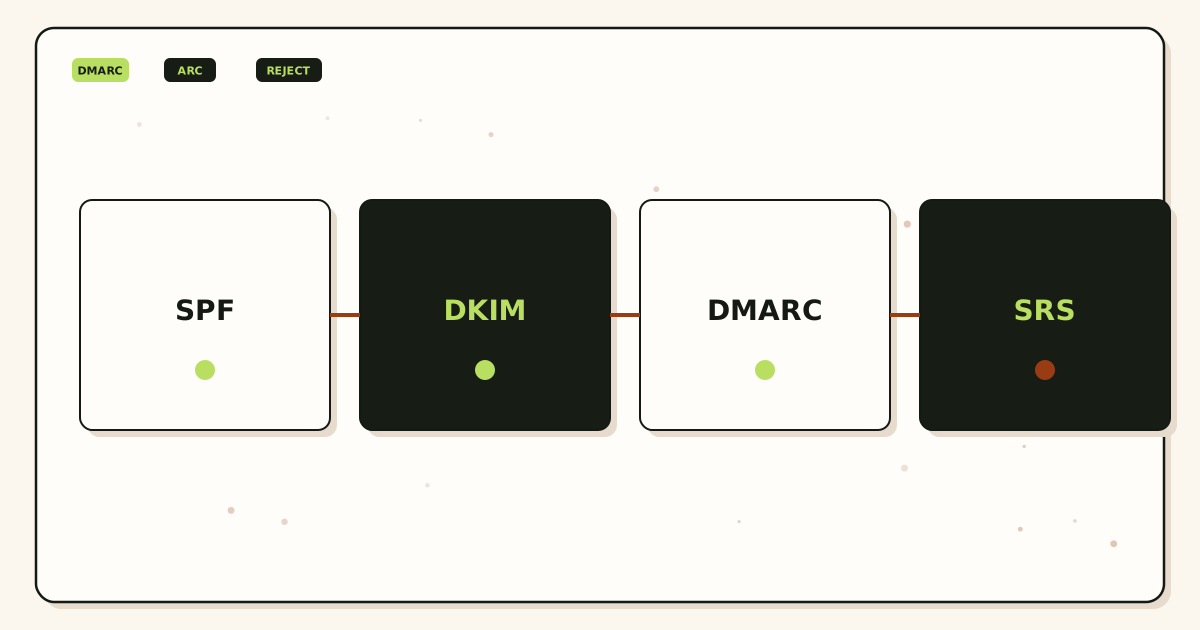
Start at p=none. Publish SPF and DKIM for every system that is allowed to send as the domain. Point rua at a mailbox you will actually open. Read aggregate reports until the remaining failures are mail you want blocked. Then consider p=quarantine. Only then consider p=reject. That order is the safest way to handle dmarc none quarantine reject on a small domain.
DMARC is specified in IETF RFC 7489 — Domain-based Message Authentication, Reporting, and Conformance (DMARC). A receiver looks at the Header From domain, checks whether SPF or DKIM aligned with that domain, and then applies your published policy when both fail. Alignment is the extra rule. Passing SPF for a rewritten bounce domain is not the same as passing DMARC for hello@yourdomain.com.
Small domains feel this faster than enterprises. One unsigned invoice tool is a visible slice of all mail. One leftover MX record splits inbound. One “set reject so we look serious” change can silence password resets from a vendor that sends as you without DKIM. Policy is not a badge. It is an instruction to strangers’ mail servers.
Forwarding authentication is the trap people skip. A forwarder changes the SMTP hop. SPF is evaluated at that hop against the current MAIL FROM and connecting IP. IETF RFC 7208 — Sender Policy Framework (SPF) is the SPF spec. After a forward, SPF often fails for the original Header From domain even when the message is legitimate. DKIM can still pass if the signed headers and body were not rewritten. IETF RFC 6376 — DomainKeys Identified Mail (DKIM) is the DKIM spec. MailerZ rewrites envelope MAIL FROM with SRS and never rewrites Header From, Subject, Date, Message-ID, body, or MIME. That is a forwarding-safe envelope rule. It is not an inbox-placement promise.
MailerZ is a delivery layer operated by Secuno LLC: inbound MX plus authenticated SMTP on paid plans. It is not Google Workspace, not IMAP, and not an open relay. Free includes one domain, ten aliases, one seat, a 14-day store, send-as disabled, SMTP and API disabled, and unrouted mail held or rejected only. Paid plans add send-as within published hourly and monthly limits. Solo is $40 per year only. Starter is $8 monthly or $80 yearly. Business is $19 or $190. Agency is $39 or $390. Unlimited is $99/month or $990/year. Confirm numbers on MailerZ pricing.
If you need the inbound hop in product language, start with custom-domain email forwarding. DMARC lives on the sending identity. Forwarding is how someone else’s authenticated mail reaches the inbox you already use.
The user problem and the decision criteria
The usual complaint is spoofing. A customer gets a fake invoice from billing@yourdomain.com. Someone on Twitter says “turn on DMARC reject.” The founder pastes a record from a blog. Two days later, the accounting SaaS bounces, a conference form never arrives, and the founder concludes email is cursed.
The other complaint is the opposite. The domain stays at p=none forever. Reports pile up unread. Spoofing continues because receivers were told not to punish failures. Monitoring without reading is decoration.
Decide with inventory, not with fear.
| Question | If yes | If no |
|---|---|---|
| Have you listed every system that sends as this domain? | You can publish SPF and DKIM on purpose. | Stay at p=none. You will reject yourself later. |
| Do you have a mailbox that receives rua reports? | You can watch failures before you enforce. | Policy changes are guesses. |
| Do third parties send as you without DKIM? | Fix those senders or stop using their From. Do not reject yet. | Enforcement is less likely to surprise you. |
| Is mail forwarded into Gmail or Outlook? | Expect SPF alignment to fail on the forward hop. Lean on intact DKIM. | You still need alignment on the first hop that faces the public internet. |
| Are you trying to look “enterprise” for a sales call? | Publish p=none and a real rua first. Reject is not a brochure. | Good. Treat policy as operations. |
Email authentication is three layers that people collapse into one word. SPF authorizes IPs for a bounce domain. DKIM signs content. DMARC ties those results to Header From and publishes what to do on fail. Deliverability is a fourth word. Receivers can accept a DMARC-pass message and still file it as junk. They can accept a DMARC-fail message at p=none and still file it as junk. Do not sell yourself a story that policy equals inbox.
Small domains also confuse inbound MX with outbound policy. Leftover Google MX is an inbound split. DMARC does not fix it. If customers cannot reach hello@, start with troubleshooting and DNS diagnostics, not with a stricter p=.
Subdomains need an explicit decision. A record at _dmarc.yourdomain.com can include sp= for organizational subdomains. If billing mail lives on notices.yourdomain.com, that host may need its own SPF, DKIM, and DMARC. Copying p=reject onto a parent while a child sender is unsigned is a common self-inflicted outage. Treat each sending hostname as a product, not as a footnote.
Shared-domain forwarding is not a license to skip policy. If you receive as hello@yourdomain.com and later send as the same string, receivers will evaluate your outbound hop on its own terms. Inbound preservation of someone else’s DKIM does not authenticate your SMTP. Those are two identities that happen to share a local-part.
Technical mail flow
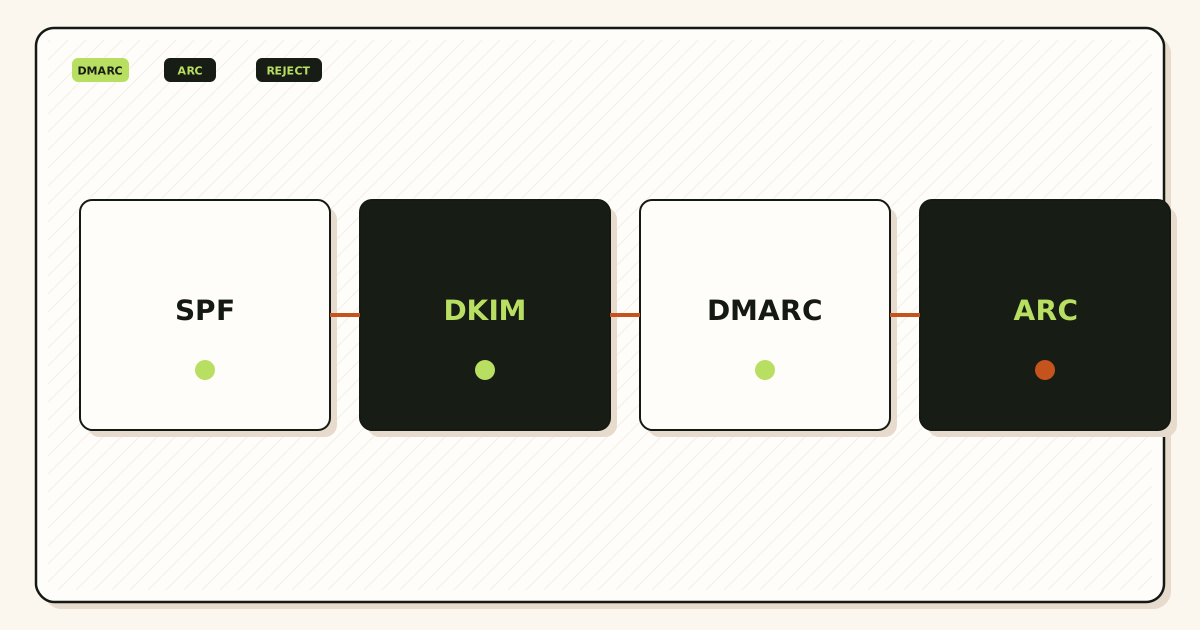
A sender offers a message. IETF RFC 5321 — Simple Mail Transfer Protocol is the transport standard. The receiver evaluates SPF at the current SMTP hop and DKIM on the signed bytes. DMARC then asks whether at least one of those results aligns with the Header From domain. If neither aligns, the published policy applies.
What each policy tells the receiver
p=none is monitor mode. RFC 7489 says the domain owner requests no specific treatment of failing messages beyond existing receiver policy. You should still receive aggregate reports if rua is set and the receiver sends them. None is not “DMARC is off.” The record is on. The punishment is off.
p=quarantine asks the receiver to treat failing mail as suspicious. Many operators file it in junk. Some apply extra scrutiny. The RFC does not name a Gmail tab. You do not control the folder. You asked for suspicion.
p=reject asks the receiver to reject failing mail. That often happens at SMTP. The sender sees a bounce. Legitimate unsigned mail dies the same way spoofed mail dies. That is the point, and the hazard.
Optional tags matter on small domains. pct can apply the stronger policy to a percentage while the rest stay on the previous treatment. sp covers subdomains. adkim and aspf choose relaxed or strict alignment. ruf requests failure samples; many receivers send few or none, and the samples can contain message content. Start with rua. Do not publish ruf to a public list.
Alignment after a forward
When MailerZ accepts mail for a verified domain and forwards it, the next hop is MailerZ to Gmail or Outlook. The envelope return path may be rewritten with SRS so bounces do not impersonate the original sender. SPF at Gmail is then about that bounce domain and MailerZ’s connecting IP, not about whether the original sender was in your SPF. Header From stays the original sender. If that sender’s DKIM signature still verifies, DMARC can pass on DKIM alignment. If a different forwarder rewrote From or broke MIME, DKIM fails and DMARC fails with it.
This is why forwarding authentication is a Header From problem first. Products that rewrite the visible From to the forwarder’s address change the identity receivers evaluate. MailerZ’s documented rule is the opposite. The feature list on MailerZ features is the product surface. It still does not guarantee a tab in Gmail.
Outbound from your domain
When you send as the domain through paid MailerZ SMTP, you are a first hop, not a forwarder. Publish the SPF, DKIM, and DMARC values the dashboard shows. Free has no send-as. If the public From must travel, you need a paid plan and a client identity. Gmail’s own labels live in Google Gmail Help — Send mail from a different address. Outlook SMTP setup varies; Microsoft’s device-send article is Microsoft Learn — Send email from a device or app using Microsoft 365.
Step-by-step setup and decision path
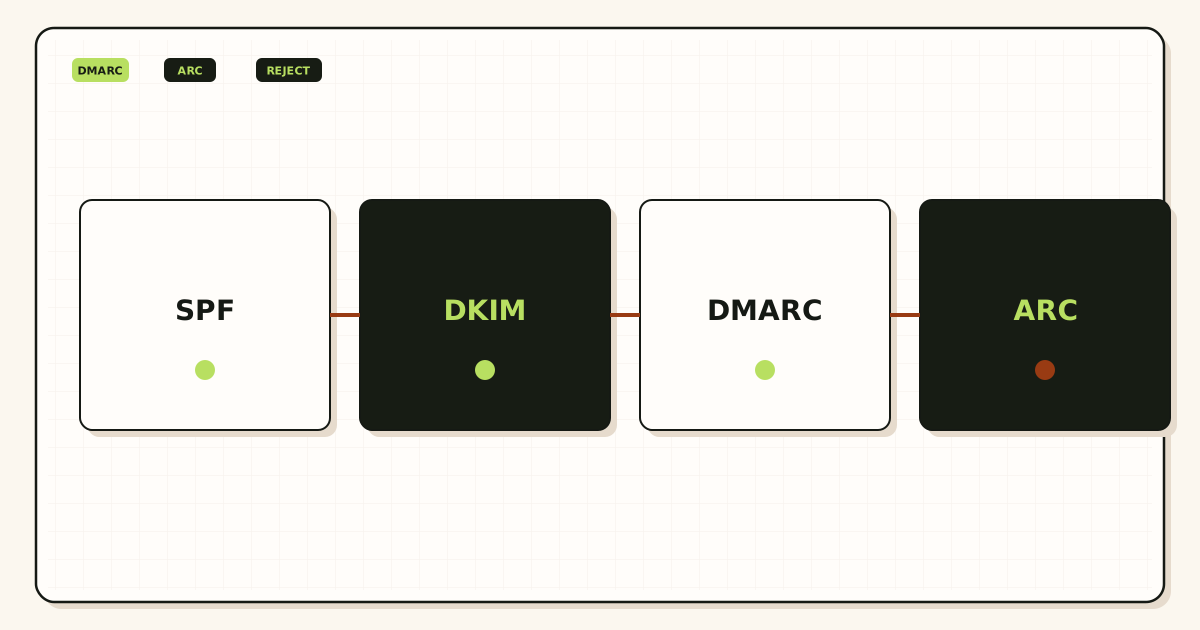
Do this in order. The expensive failure is p=reject before the inventory is finished. The quiet failure is p=none with no mailbox reading reports.
List every From you print
Website, invoices, SaaS notifications, support tools, newsletters, printers, and people. If a vendor sends as
@yourdomain.com, it is in the inventory. If it sends as@vendor.comwith a friendly name, it is not your DMARC problem.Publish SPF that matches those senders
One SPF record at the domain you use as the bounce identity. Include mechanisms you understand. Do not stack multiple SPF TXT records. Do not include vendors you no longer use. Lookup-limit failures are real.
Publish DKIM for each sending platform
Each platform gets a selector and a public key. MailerZ paid send-as shows values in the dashboard. Workspace, a campaign tool, and a billing tool each need their own key if they send as you. A missing selector is an unsigned sender.
Publish DMARC at p=none with rua
v=DMARC1; p=none; rua=mailto:dmarc-reports@yourdomain.comis a starting shape, not a paste-and-forget spell. The rua address must exist. An alias to the inbox you already use is enough. Create that alias on MailerZ if the domain receives there. Free allows ten aliases.Prove inbound separately if the domain receives
Verification TXT, one MX set, leftover MX deleted, probe from a different mailbox. DMARC does not receive mail. Mixed leftover MX plus a new policy is two bugs in one week.
Read reports and Authentication-Results
Send a uniquely titled message from each authorized sender to an unrelated provider. Read the headers. Then wait through a reporting cycle. Fix unsigned sources. Ignore vanity “100% aligned” dashboards that cannot name the failing source.
Step to quarantine, then reject, if the fail set is understood
Use
pctif you want a smaller blast radius. Watch rua after each step. Roll back top=noneif a forgotten vendor dies. Rejection is reversible in DNS. Customer trust is slower.
Public DNS reads belong on the MailerZ tools hub. Those tools do not grab SMTP banners or invent a score. They will not tell you that reject is “safe.”
Failure modes and proof
Most small-domain DMARC failures are inventory failures. Proof is a header block you sanitized and a report line that names the source IP and the alignment result. Screenshots of an inbox tab are not proof of alignment.
| Symptom | Likely cause | What to check |
|---|---|---|
| Legitimate SaaS bounces after reject | Vendor sends as you without DKIM or SPF include. | Vendor docs. Add DKIM or stop using their From. |
| Forwarded mail fails DMARC at the destination | Forwarder rewrote From or broke the signature. Or original lacked DKIM. | Raw headers. Header From. DKIM verify. Path of the hop. |
| SPF pass, DMARC fail | SPF passed a bounce domain that does not align with Header From. | Expected after SRS. Look at DKIM alignment. |
| No rua mail arrives | Receivers send slowly, rua address is wrong, or volume is tiny. | Exact rua local-part. Wait. Send test volume from known sources. |
| Two SPF records | Someone added a second TXT instead of editing the first. | One SPF TXT. Merge includes. |
| Self-send looks fine, customers bounce | Gmail short-circuit, or you tested the wrong From. | External mailbox. Exact public identity. |
| Inbound missing after a DMARC edit | You edited MX or leftover records while changing TXT. | MX set. Leftover host records. Unrelated to p=. |
MailerZ can record that the destination SMTP server accepted a forward. That is not a DMARC pass at Gmail, and it is not inbox placement. Gmail can accept and hide. Quote both facts.
Do not publish private keys. Do not mail SMTP passwords to support. MailerZ does not claim SOC 2, ISO 27001, HIPAA, or an uptime SLA. Controls wording lives on Security and Trust Center.
MailerZ workflow and product boundary
MailerZ is a custom-domain email delivery layer operated by Secuno LLC. Point MX at MailerZ. Mail for a hosted, verified domain can land in Gmail or Outlook. Paid plans add authenticated SMTP so the same domain can send and reply. The live site is mailerz.net. The app is mail.mailerz.net.
The positioning that belongs here is narrow: preserve the visible sender on inbound, rewrite only the envelope, and let you publish the authentication records the dashboard shows for paid send-as. MailerZ does not host your DMARC reporter, does not promise receivers will honor policy the way a slide deck describes, and does not manage third-party SaaS DKIM for you.
What MailerZ does in this workflow
- Accept inbound mail for verified domains and configured recipients.
- Preserve Header From on the forward so the original identity remains the DMARC identifier.
- Rewrite envelope MAIL FROM with SRS when that bounce handling is in play.
- Hold or forward unknown recipients according to plan and settings.
- Store messages for 14 days on Free or 90 days on paid plans for recovery and evidence.
- Send through authenticated SMTP from approved identities on paid plans.
- Show SPF, DKIM, and DMARC values to publish for that send path.
- Record delivery history for inbound and outbound hops.
What MailerZ does not do
- Replace Gmail or Outlook with IMAP or webmail.
- Rewrite header From, Subject, Date, Message-ID, body, or MIME.
- Offer send-as on Free.
- Promise inbox placement, uptime SLAs, or review counts.
- Claim SOC 2, ISO 27001, or HIPAA.
- Act as an open relay. Unauthorized send gets 550 / 550 5.7.1.
- Send newsletters, purchased lists, or cold blasts.
A rua alias is just another alias. It counts toward the plan ceiling. Free has three. Do not spend all three on vanity addresses if you still need hello@ and a report box.
Cost, alternatives, and trade-offs
DMARC itself is a TXT record. The cost is operational: time to inventory senders, vendor DKIM setup, and the blast radius of reject. Paid report analyzers exist. A mailbox and a spreadsheet can be enough for a single domain with three senders. Do not buy a dashboard to avoid reading one rua address.
| Approach | You get | You give up |
|---|---|---|
| p=none, read rua | Visibility without punishing unknown-but-real senders. | Receivers are not asked to block spoofing on fail. |
| p=quarantine after clean reports | A softer enforcement step. Easier rollback story. | Some legitimate fails still hide in junk. |
| p=reject after clean reports | The strongest public instruction against unauthenticated From. | Any forgotten sender bounces. Support cost is yours. |
| No DMARC record | Nothing to misconfigure. | No policy, no rua, weaker signal to receivers that care. |
Google Workspace and Microsoft 365 publish their own authentication wizards when they host the mailbox. That is a suite path. MailerZ is the path when Gmail or Outlook remains the store and the domain is a delivery layer. Compare current suite packaging on vendor sites; it changes. MailerZ plan limits are on the pricing page.
A campaign platform should send as a subdomain you authenticate separately if you do not want bulk mail sharing the organizational-domain reputation. MailerZ is not that platform. Mixing newsletter volume through a transactional SMTP identity is how people earn blocks that no DMARC policy will undo.
Report parsers cost money when the domain portfolio is large. A single-domain founder can open rua XML, note the source IPs, and match them to vendors. That is tedious and sufficient. Paying for a parser before you have a rua address is the wrong order. Paying for a parser instead of adding DKIM to the invoice tool is also the wrong order.
Time is the real small-domain cost. A week at p=none is cheaper than a Friday reject that silences password resets. If you operate client domains, do not copy one policy across a portfolio. Each client has a different sender list. Agency plan capacity raises domain and alias ceilings. It does not inventory those senders for you.
FAQ
What is the safest way to handle dmarc none quarantine reject?
Inventory every system that sends as the domain, publish SPF and DKIM for those senders, then start at p=none with a rua mailbox you actually read. Move to quarantine, then reject, only after reports show the remaining failures are mail you want blocked. Do not publish p=reject on day one.
Does this require a new mailbox?
No. DMARC is a DNS policy for the Header From domain. It does not create IMAP or webmail. MailerZ is not a mailbox host. You still need a destination inbox for forwarded mail and a mailbox that can receive aggregate reports.
Will it work with Gmail or Outlook?
Receivers including Gmail and Outlook evaluate DMARC on inbound mail. Your policy does not change how those products store mail. If MailerZ forwards into Gmail or Outlook, Header From stays the original sender. That is not a promise those products will place the message in the inbox.
What DNS records are involved?
A TXT at _dmarc.yourdomain with v=DMARC1 and a policy. SPF at the organizational domain or the relevant bounce domain. DKIM public keys at selector._domainkey. MailerZ also needs a verification TXT and one MX set for receiving. Leftover MX is a separate hard stop.
What should I test before production?
Send from each authorized sender to an unrelated mailbox and read Authentication-Results. Confirm SPF and DKIM for that hop, then confirm DMARC disposition. Keep p=none until those tests and a stretch of rua reports look boring. Self-send from Gmail to the same Gmail account can hide routing errors.
Key takeaways
- dmarc none quarantine reject is a sequence. Monitor, then suspect, then refuse.
- p=none is on. It does not punish. It is useless if nobody reads rua.
- SPF authorizes a hop. DKIM signs bytes. DMARC aligns those results to Header From.
- Forwarding often breaks SPF alignment. Intact Header From plus intact DKIM is the remaining path.
- MailerZ rewrites envelope only. Header From stays. That is not an inbox SLA.
- Inventory senders before reject. Forgotten SaaS dies first.
- Leftover MX is an inbound bug. Do not debug it with a stricter p=.
- Free has no send-as. Paid dashboard values are the records for MailerZ SMTP.
- Deliverability is the receiver’s. Policy is your instruction, not their tab.
- MailerZ is not SOC 2 and not a bulk sender. Quote those boundaries before a security questionnaire, not after.
Conclusion and next action
If you came here for dmarc none quarantine reject on a small domain, the work is inventory and patience. Publish authentication for the senders you intend. Watch. Then tighten. Reject is available when the remaining failures are mail you are willing to lose.
MailerZ fits when the domain must receive into an inbox you already use, keep the visible sender, and later send through authenticated SMTP on a paid plan. It does not fit when you need a hosted mailbox for every user, a certified compliance report, or campaign-scale sending. Start on Free if you only need to watch inbound. Move to Solo or another paid plan when the From identity has to travel as your domain.
Next action: add one domain, create the aliases you will actually print—including a rua box if reports should land there—and send a uniquely titled message from a mailbox that is not the destination. Then publish p=none and read what comes back. The MailerZ documentation has the field maps.
Ready to test both directions
Start free with one domain and prove the path.
Inbound on Free. Paid send-as when the From identity has to travel. Sign in if the domain is already there.
Review quarterly, or sooner if receiver DMARC handling, MailerZ plan limits, or DNS guidance changes. Author: MailerZ editorial, Secuno LLC.